How to set the outbound call to hang up if a voicemail is detected in Aircall
Here is how to set the outbound call to hang up if a voicemail is detected in aircall
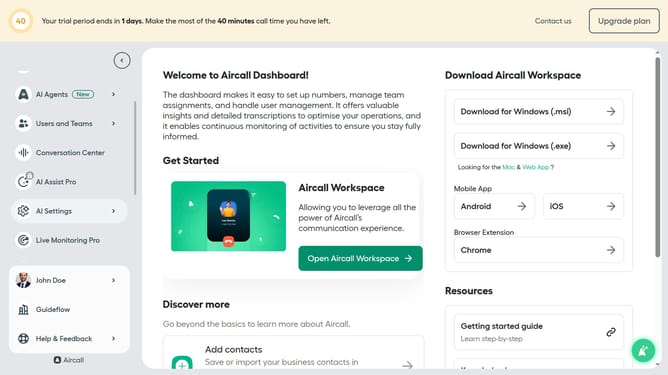
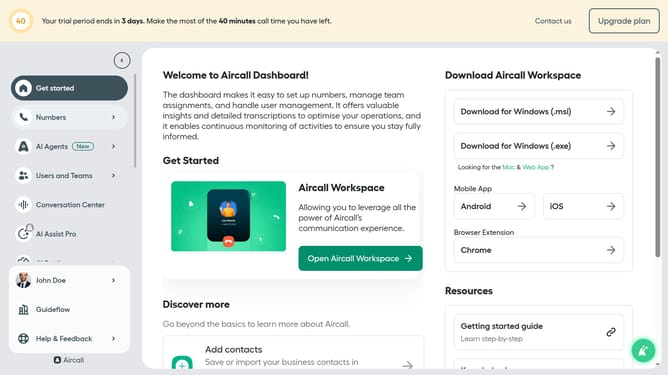
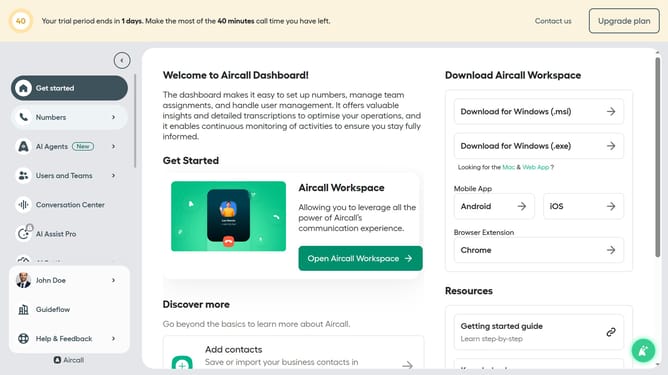
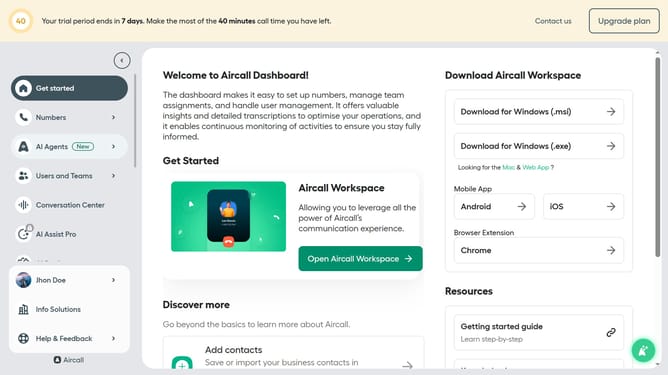
- First click on "AI Agents" item in the left sidebar
- Then click on "AI Voice Agents" button
- Next, click on the outbound AI voice agent row
- Then select "Outbound call workflow" from the left menu
- After that, click on the "Hang up" radio button under the "If voicemail is detected section"
- Finally click on the "Save" button
Why should you set the outbound call to hang up if a voicemail is detected in Aircall
Aircall is a cloud-based phone system designed to streamline and enhance business communications.
Among its many features, Aircall allows users to automatically hang up an outbound call when a voicemail is detected, ensuring efficient use of time and resources.
This feature is particularly beneficial in high-volume calling environments, where maximizing the number of live conversations can substantially improve productivity and customer engagement.
By minimizing wasted time on voicemail, teams can focus on calls that contribute to their core objectives, ultimately boosting efficiency and impact.
Last update