How to add terms in glossary in Aircall
Here is how to add terms in glossary in aircall
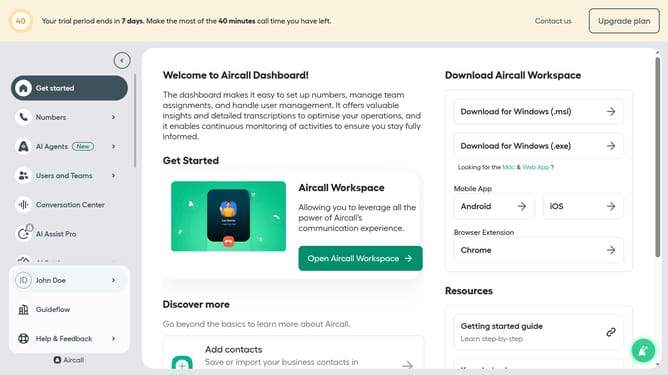
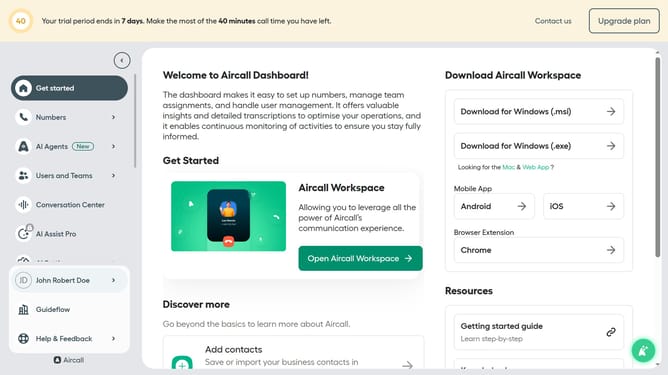
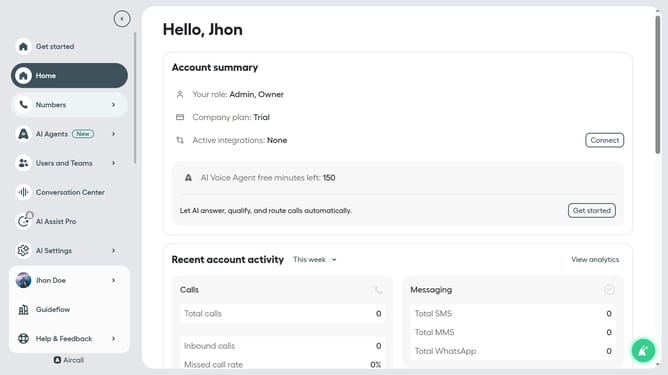
- First, click on "AI Settings" in the left sidebar
- Then, click on "Glossary" from the dropdown menu
- Next, click on the "+ Add term" button
- In the "Add term" modal, enter your word
- Then, click on the "Select a category" dropdown
- Next, select from the category list
- Then, click on the "Pronunciation hint" input field and enter word pronunciaton
- Then, click on the "Example: Air-call" input field
- Finally, click on the "Save" button
Why should you add terms in glossary in Aircall
Aircall is an innovative cloud-based phone system designed to improve team communication and customer engagement.
Within Aircall, the glossary feature allows users to seamlessly add terms, enhancing the clarity and consistency of communication. This feature becomes indispensable for teams handling specific jargon or industry-specific language, ensuring everyone is on the same page.
By utilizing this feature, teams can drive more efficient interactions, boost customer satisfaction, and reduce misunderstandings, leading to streamlined operations and higher productivity.
Last update