How to enable retry messages in Aircall
Here is how to enable retry messages in aircall
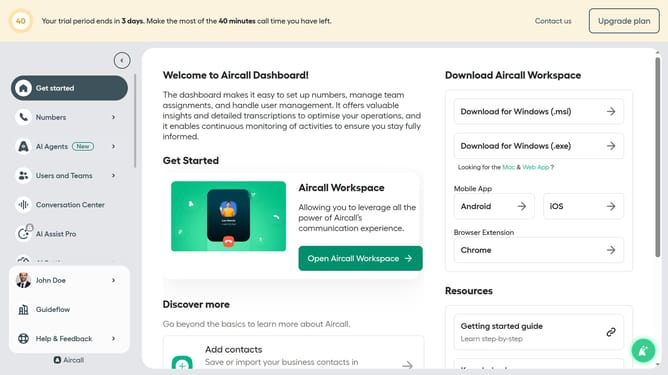
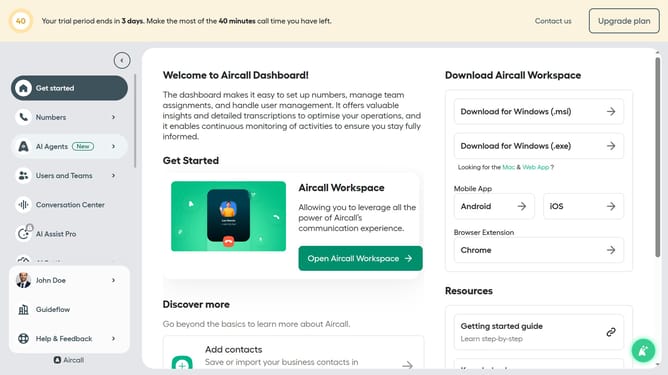
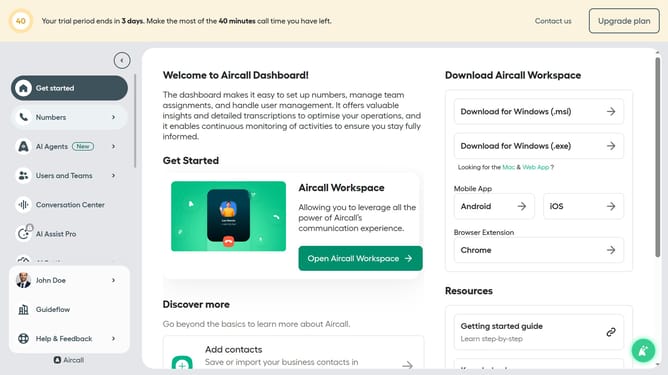
- First click on "Numbers" item in the left sidebar
- Then click on "Numbers" tab in the main content area
- Next click on the name of the number you want to manage from the table
- Then click on the "Edit" button
- Then click on the IVR option in the flow editor
- Then click on the "Retry management" option
- Then click on the "Play retry message" toggle
- Finally click on the "Publish" button in the confirmation dialog
Why should you enable retry messages in Aircall
Aircall is a cloud-based phone system designed to enhance business communication and customer service.
The "retry messages" feature in Aircall ensures important communications aren't missed by automatically resending messages that couldn't be delivered initially.
Enabling retry messages minimizes downtimes caused by temporary network issues or service interruptions, ensuring your business stays connected.
This feature enhances reliability, guaranteeing seamless communication and improving overall customer satisfaction.
Last update