How to enable collecting upfront in messaging AI in Aircall
Here is how to enable collecting upfront in messaging ai in aircall
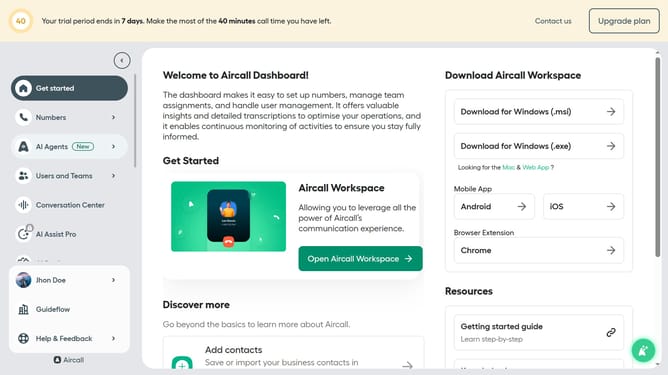
- First click on "AI Agents" in the sidebar menu
- Then click on "AI Messaging Agents" option
- Next click on the messaging entry you want to manage
- Then click on the "Intake flow" option in the left-side menu
- After that, click on the "Enable collecting" toggle
- Finally click on the "Save" button
Why should you enable collecting upfront in messaging AI in Aircall
Aircall is a cloud-based phone system designed to improve team collaboration and customer experience.
Enabling collecting upfront in messaging AI within Aircall helps streamline communication by gathering necessary information from customers before a live interaction.
This feature amplifies efficiency, ensuring that agents have all the relevant details in advance, leading to a more focused and productive conversation.
By integrating this feature, businesses can enhance customer satisfaction, reduce wait times, and optimize their resources effectively.
Last update