How to add contacts in Aircall
Here is how to add contacts in aircall
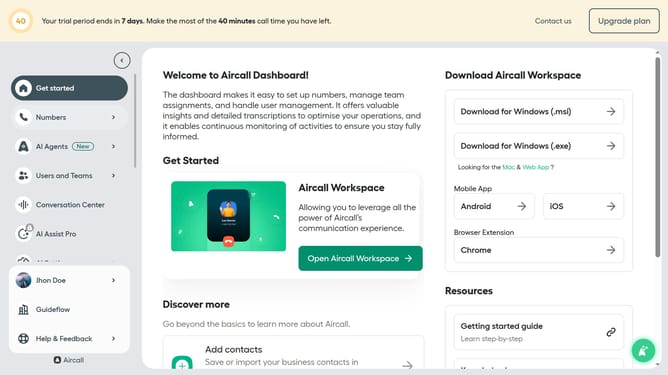
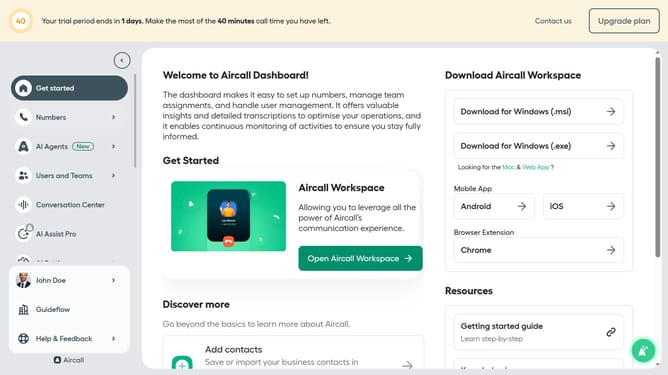
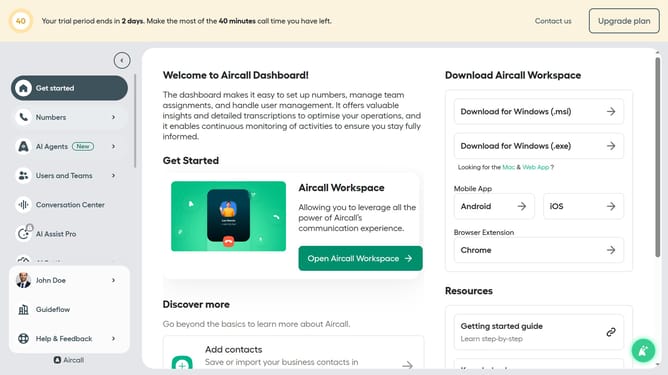
- First, click on the "Open Aircall Workspace" button in the main dashboard
- Then, navigate to the "Contacts" section in the sidebar
- Next, click on the "+ Add a contact" button
- After that, click on the "First name" input field
- Then, click on the "Last name" input field
- Next, click on the "Company" input field
- Then, click on the "+ Add number" input field
- Finally, click on the "Save" button
Why should you add contacts in Aircall
Aircall is a cloud-based phone system designed for modern businesses looking to enhance their communication.
Adding contacts in Aircall streamlines your call management by centralizing all essential contact information. This feature ensures that you can reach your clients and team members more efficiently.
By organizing your contacts, Aircall enhances team collaboration and improves customer interactions, ultimately boosting productivity and satisfaction.
Last update