How to delete a transfer branch in AI voice agent in Aircall
Here is how to delete a transfer branch in ai voice agent in aircall
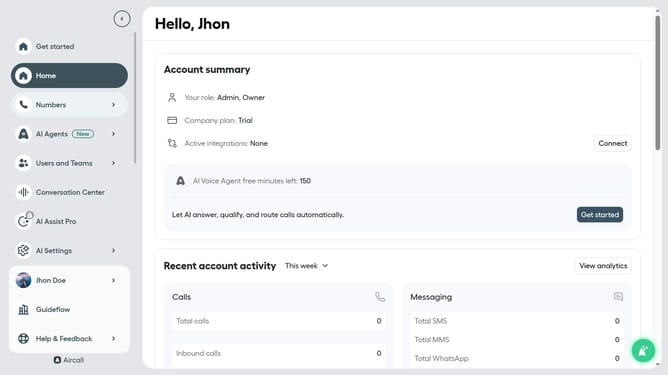
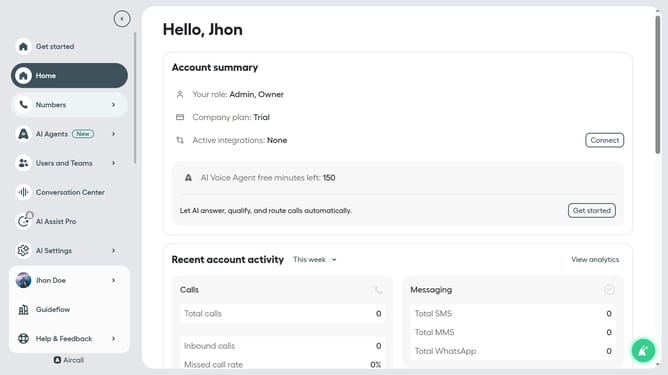
- First click on "AI Agents" in the left sidebar
- Then click on "AI Voice Agents" in the displayed options
- Next click on the voice entry you want to manage
- In the agent configuration menu, click on "Call transfer rules"
- Click on the three dots icon next to the transfer branch you want to delete
- Then click on the "Delete branch" button
- Finally, click on the "Save" button
Why should you delete a transfer branch in AI voice agent in Aircall
Aircall is a cloud-based phone system designed to streamline communication processes for businesses.
Deleting a transfer branch in the AI voice agent feature of Aircall is a simple process that enhances operational efficiency.
Removing unnecessary transfer branches can lead to a more direct and personalized customer experience by eliminating redundant pathways.
This streamlined approach ensures customers reach the right team swiftly, improving overall satisfaction and strengthening business interactions.
Last update