How to prevent agents to start and pause outgoing call recordings in Aircall
Here is how to prevent agents to start and pause outgoing call recordings in aircall
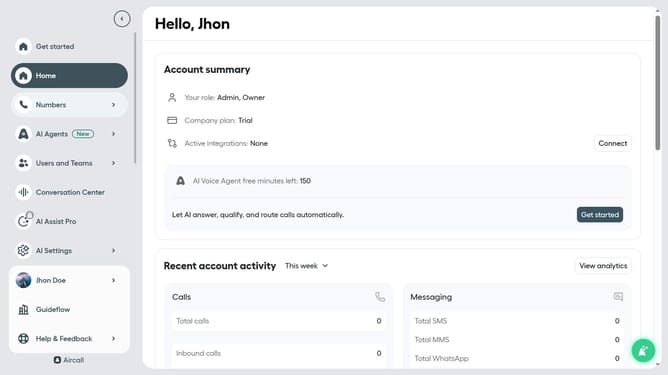
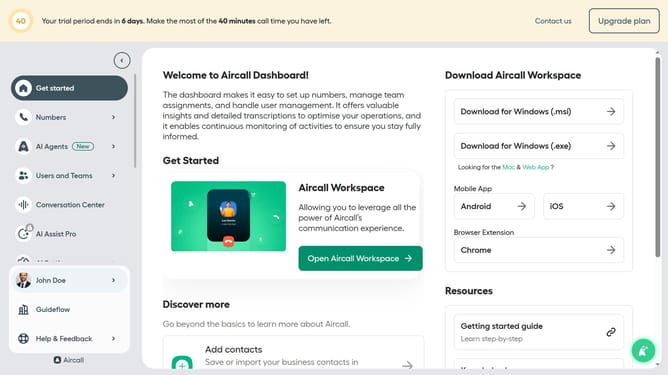
- First click on the "Numbers" item in the left sidebar
- Then click on the "Numbers" tab in the main content area
- Next click on the name of the number you want to manage
- Then click on the "Settings" tab
- Finally, toggle the "Allow agents to start and pause recording" switch to the OFF position
Why should you prevent agents to start and pause outgoing call recordings in Aircall
Aircall is an advanced cloud-based phone system designed to streamline and enhance business communication.
Preventing agents from starting and pausing outgoing call recordings in Aircall is an efficient feature that ensures consistency and security in call logs across your organization.
This functionality is invaluable for maintaining regulatory compliance and safeguarding sensitive customer information. By offering a standardized recording process, Aircall minimizes human error and elevates the quality of data captured during calls.
Last update