How to disable waiting for busy agents in Aircall
Here is how to disable waiting for busy agents in aircall
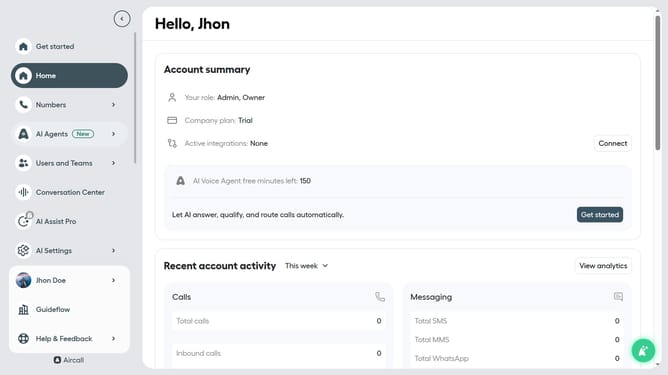
- First click on the "Numbers" item in the left sidebar
- Then click on the "Numbers" tab to view the list of numbers
- Next, click on the "Customer Service" row
- Then click on the "Edit" button
- After that, click on the "Ring to" option in the smartflow editor
- Then click on the "Wait for busy agents" toggle to turn it off
- Finally click on the "Publish" button
Why should you disable waiting for busy agents in Aircall
Aircall is an intuitive cloud-based phone system designed for modern businesses to streamline communication.
One key feature in Aircall is disabling the wait for busy agents, which can enhance the caller experience by reducing frustration and improving efficiency.
This feature allows calls to be redirected or managed without long hold times, ensuring customer queries are addressed promptly.
By minimizing waiting times, businesses can maintain high customer satisfaction and optimize their team's productivity by effortlessly handling increased call volumes.
Last update