How to add email on a contact in Aircall
Here is how to add email on a contact in aircall
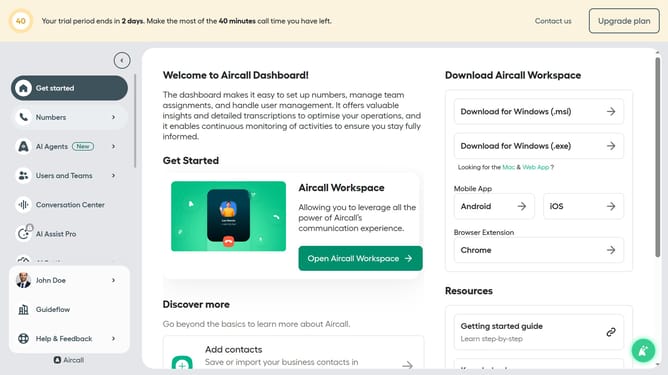
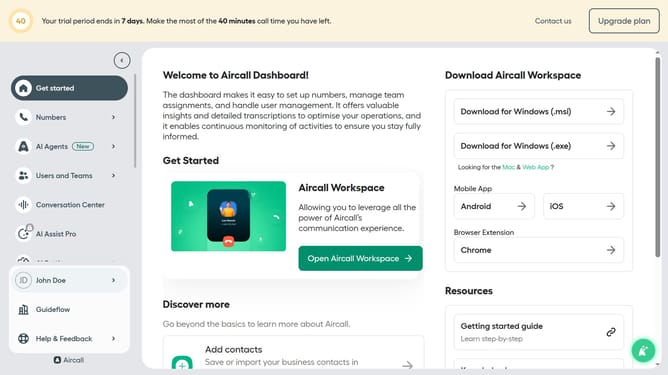
- First click on the "Open Aircall Workspace" button
- Then click on the "Contacts" item in the sidebar
- Then click on the contact that you want to manage
- Then click on the "Edit contact" button
- Then click on the "Add email" button
- Then type the email address into the email field
- Finally click on the "Save" button
Why should you add email on a contact in Aircall
Aircall is a cloud-based phone system designed to streamline communication for modern businesses.
Add email addresses to contacts in Aircall to enhance communication and customer relationship management.
This feature allows for seamless integration of communication methods, making it easier to follow up with clients and organize interactions.
By adding email on a contact, teams can easily coordinate outreach efforts and maintain cohesive, informative client histories, ultimately boosting productivity and customer satisfaction.
Last update