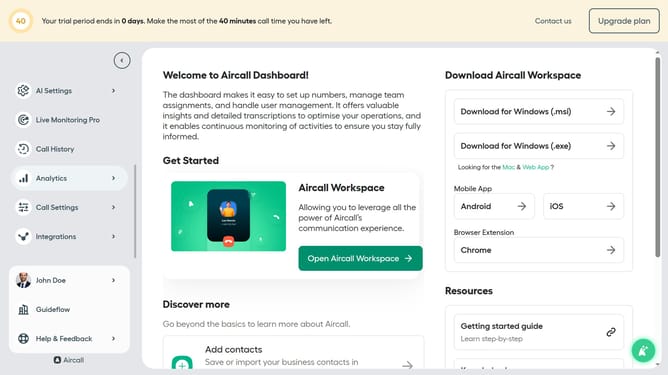
How to add a text to speech message in a call flow in Aircall
Here is how to add a text to speech message in a call flow in aircall
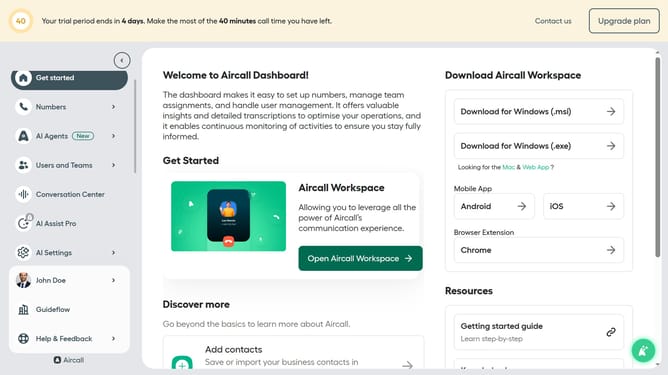
- First click on the "Numbers" item in the sidebar
- Then click on the "Numbers" tab
- Next click on the name of the number you want to manage from the table
- After that, click on the "Edit" button
- Then, click on the audio message step
- Click on the text input field and enter your message
- Finally click on the "Publish" button
Why should you add a text to speech message in a call flow in Aircall
Aircall is a cloud-based phone system designed to enhance customer service and communication.
Adding a text-to-speech message to a call flow in Aircall allows businesses to deliver consistent and clear communication effortlessly.
This feature is particularly beneficial for automating greetings, announcements, or instructions, ensuring that all callers receive the same precise information.
Ultimately, it enhances the caller's experience while minimizing the workload on live agents, leading to improved efficiency and customer satisfaction.
Last update