How to set your extension number in Aircall
Here is how to set your extension number in aircall
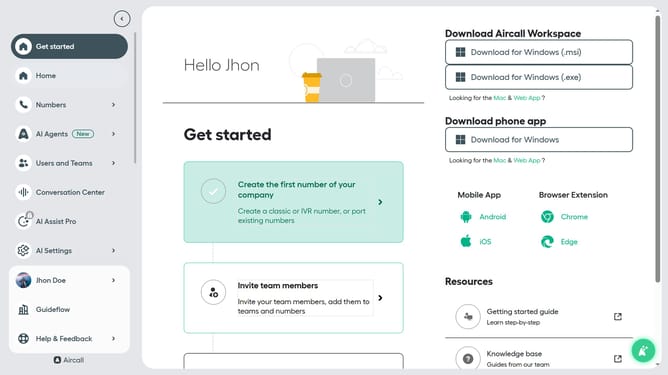
- First click on the user profile in the sidebar
- Then click on "Edit profile" option
- Then click on the "Extension" dropdown
- Then select an extension number from the dropdown menu
- Finally click on the "Save changes" button
Why should you set your extension number in Aircall
Aircall is a cloud-based phone system designed to simplify and enhance business communication.
Setting your extension number in Aircall ensures direct and personalized connections with your callers, enabling streamlined operations and improved customer service.
This feature allows for smooth routing of calls, making it easy for team members and clients to reach the right individual promptly.
Efficient call management and professional communication experiences are just a few of the benefits, supporting seamless collaboration within your business.
Last update