How to stop agents to start and pause incoming call recordings in Aircall
Here is how to stop agents to start and pause incoming call recordings in aircall
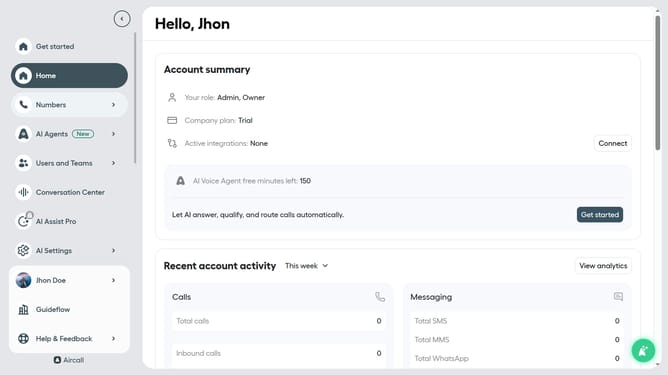
- First, click on the "Numbers" option in the left sidebar
- Then, click on the "Numbers" tab in the header section
- Next click on the name of the number you want to manage
- After that, click on the "Settings" tab
- Finally, toggle the "Allow agents to start and pause recording" switch to the OFF position
Why should you stop agents to start and pause incoming call recordings in Aircall
Aircall is a cloud-based phone system designed to enhance communication and streamline customer interactions for businesses.
One of Aircall's standout features is its control over call recordings, allowing businesses to prevent agents from starting and pausing incoming call recordings. This feature ensures consistent recording practices, preserving the authenticity and integrity of all customer interactions.
Implementing this feature helps ensure data compliance and protects sensitive customer information, thereby enhancing trust and transparency between companies and their clients, while simultaneously boosting operational efficiency.
Last update