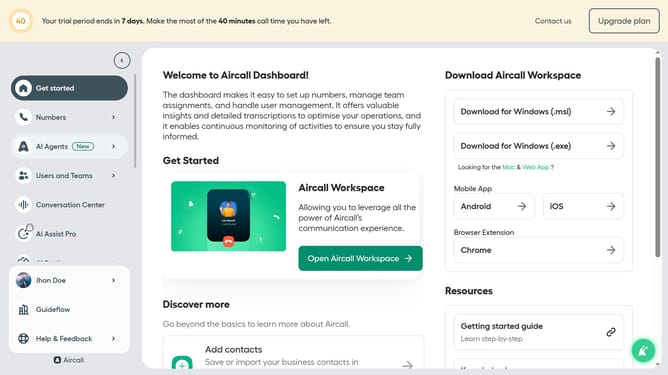
How to delete a user in Aircall
Here is how to delete a user in aircall
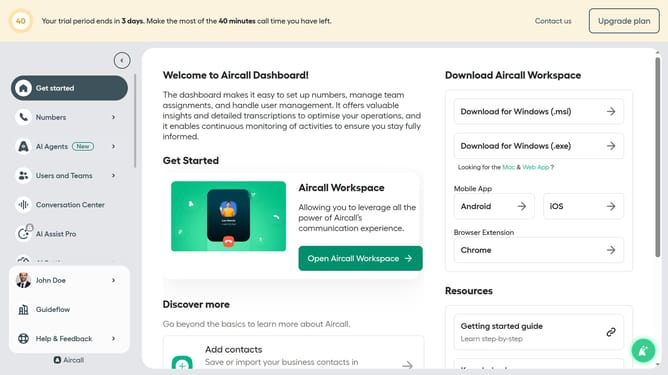
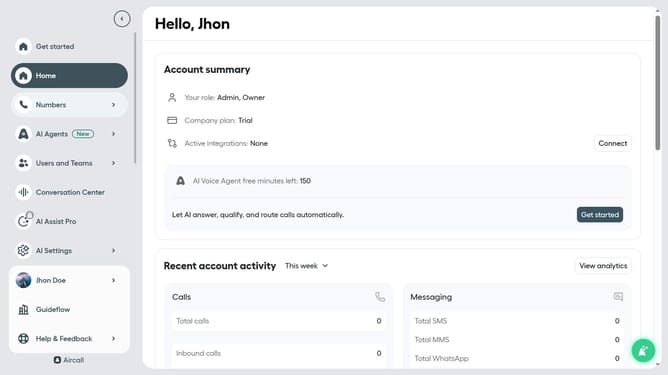
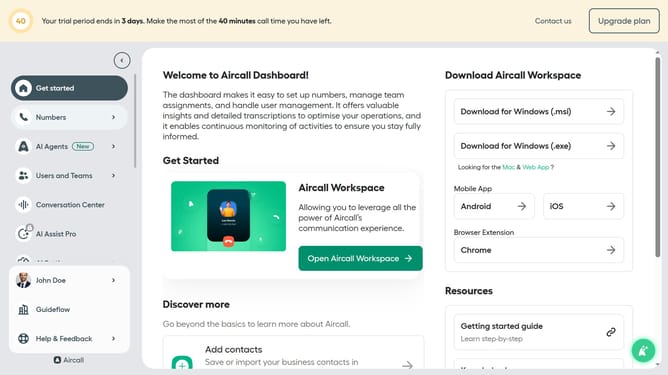
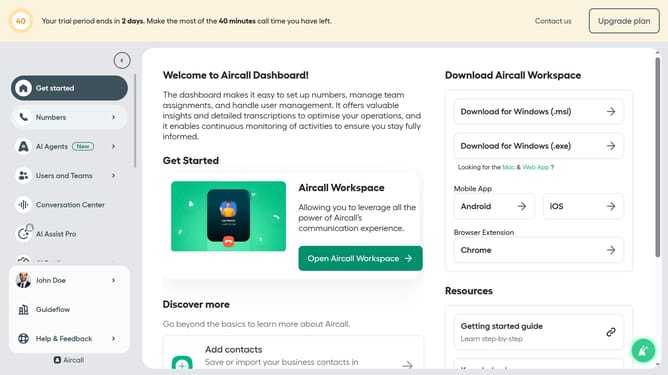
- First click on "Users and Teams" in the left sidebar
- Then select "All users" from the dropdown menu
- Next click on the "three dots" icon next to the user's name
- Then click on "Delete " option from the menu
- Finally click on the "Delete" button to confirm the user deletion
Why should you delete a user in Aircall
Aircall is a modern phone system that simplifies and enhances business communications worldwide.
One standout feature of Aircall is the ability to efficiently delete a user. By using this function, businesses can effortlessly manage and streamline their team’s access, ensuring that only essential personnel have entry to the system.
This feature is particularly beneficial for maintaining an organized user database and controlling costs, as it prevents any unnecessary or unused accounts from lingering.
Overall, managing user roles effectively can lead to improved operational efficiency and communication control.
Last update