How to set the outbound call to leave a message if a voicemail is detected in Aircall
Here is how to set the outbound call to leave a message if a voicemail is detected in aircall
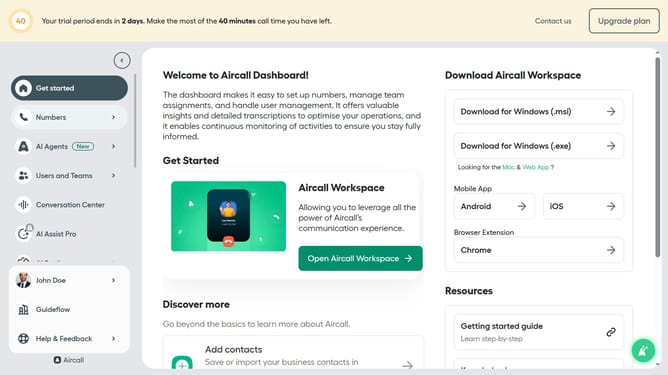
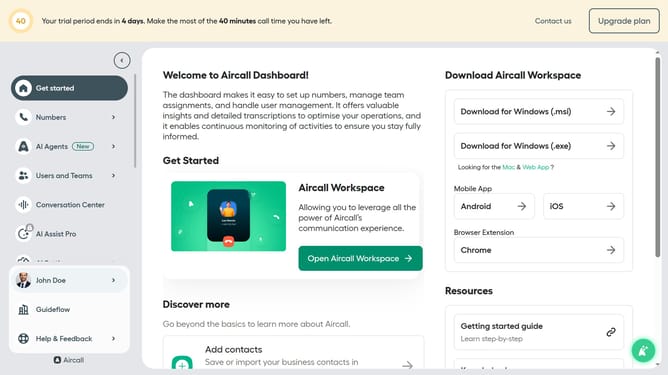
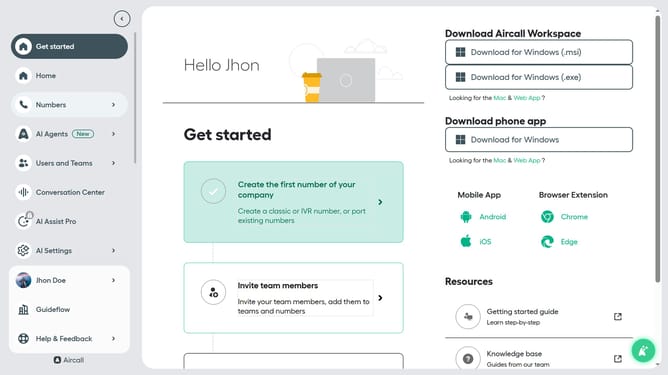
- First click on the "AI Agents" item in the left sidebar
- Then click on the "AI Voice Agents" tab
- Next click on the outbound AI voice agent
- After that click on "Outbound call workflow"
- Then select "Leave a message" option
- Next click on the "Message" field and edit it
- Finally click on the "Save" button
Why should you set the outbound call to leave a message if a voicemail is detected in Aircall
Aircall is a powerful cloud-based phone system designed to streamline communication for modern businesses.
Setting your outbound call to automatically leave a message when a voicemail is detected in Aircall ensures your communications remain seamless even when real-time connections are missed.
This feature is essential for maintaining productivity as it allows your team to deliver important messages without manual intervention, ensuring no lead or conversation opportunity falls through the cracks.
Ultimately, it enhances customer experience by ensuring prompt follow-ups, fostering trust and reliability.
Last update