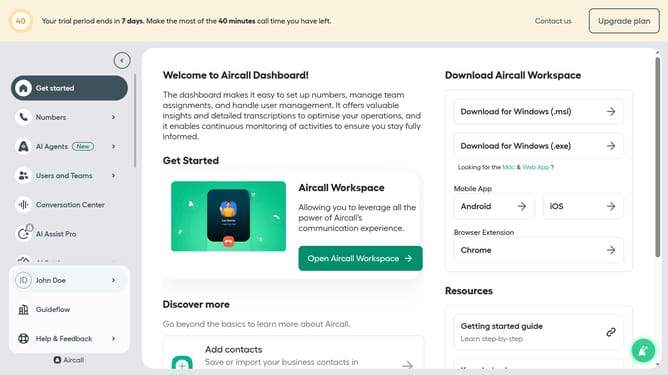
How to add a customized question in an outbound AI voice agent in Aircall
Here is how to add a customized question in an outbound ai voice agent in aircall
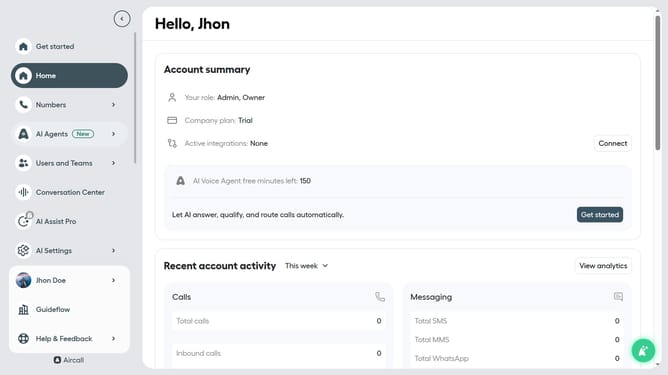
- First click on "AI Agents" item in the left sidebar
- Then click on "AI Voice Agents" text
- Next click on the outbound AI voice agent row
- Then click on the "Intake flow" item in the left sidebar
- Click on "+ Add a question" button
- Click on "+ Add a question" button
- Then click on the "Type a question to be asked here" text input and add your question
- Then click on the "Type a question to be asked here" text input
- Click on the "Type in a possible answer from the caller" text input and enter answer
- Click on the "Add follow-up-question" button
- Click on the "Type in a follow-up question" text input
- Finally click on the "Save" button
Why should you add a customized question in an outbound AI voice agent in Aircall
Aircall is a revolutionary cloud-based phone system that streamlines business communications.
Adding a customized question in an outbound AI voice agent within Aircall transforms interactions, allowing businesses to tailor conversations to meet specific goals.
This feature enhances customer engagement by providing personalized experiences that resonate with individual needs.
Ultimately, it boosts efficiency and satisfaction, paving the way for smarter, more meaningful connections with clients.
Last update