How to select language in an outbound AI voice agent in Aircall
Here is how to select language in an outbound ai voice agent in aircall
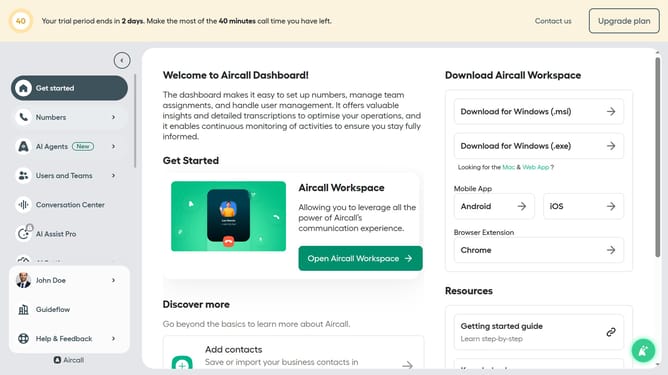
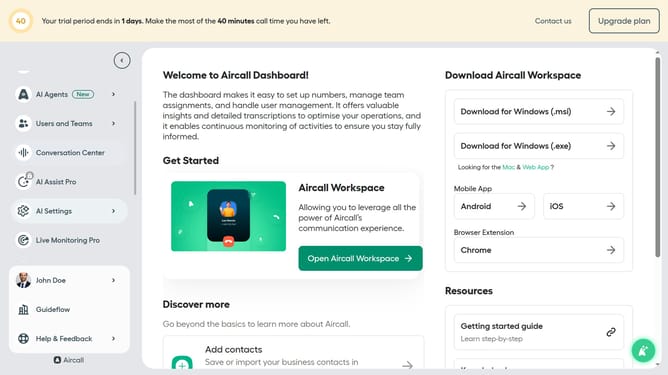
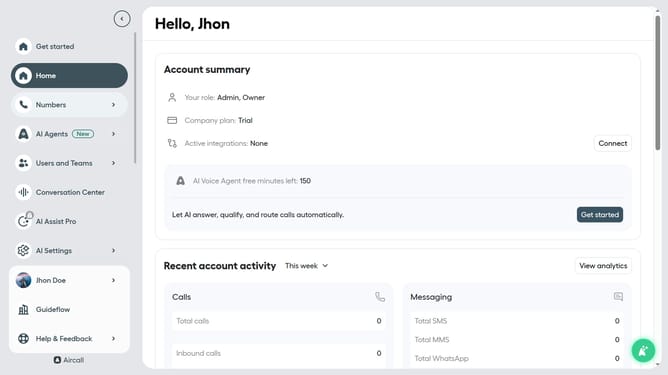
- First, click on the "AI Agents" link in the left sidebar
- Then, click on the "AI Voice Agents" option that appears
- Next, click on the "three dots" icon next to the outbound voice agent
- After that, select the "Edit" option from the dropdown menu
- Click on the "down arrow" icon next to the "Language" selection
- Next, select from the language options
- Finally, click on the "Save" button to confirm the change
Why should you select language in an outbound AI voice agent in Aircall
Aircall is a cloud-based phone system designed to enhance business communication with seamless integration and efficient call management.
Choosing a language in the outbound AI voice agent of Aircall is a user-friendly feature that enhances communication and user experience.
This capability allows businesses to cater to diverse customer bases, ensuring customers feel valued and understood.
By selecting the appropriate language, it personalizes interactions, potentially boosting customer satisfaction and improving overall communication efficiency.
Last update