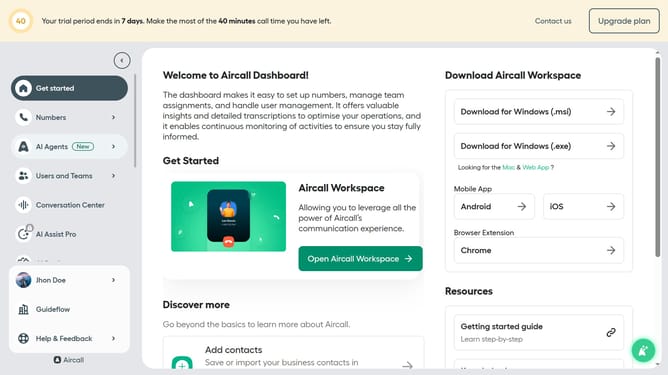
How to change the retry message language in Aircall
Here is how to change the retry message language in aircall
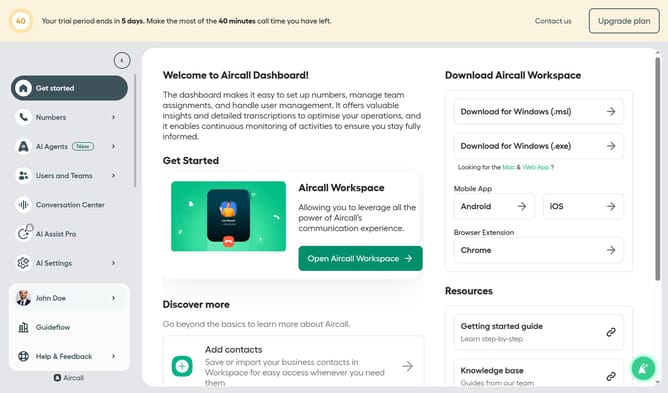
- First click on "Numbers" in the left sidebar
- Then click on "Numbers" tab
- Next click on the name of the number you want to manage from the table
- Then click on the "Edit" button on the top right
- Then click on the IVR box
- Then click on the "Retry management" option
- Then click on the "Language" dropdown menu
- Then select from the language options
- Finally, click on the "Publish" button
Why should you change the retry message language in Aircall
Aircall is a dynamic cloud-based phone system designed to streamline communication for businesses worldwide.
Among its powerful features is the ability to change the retry message language, offering businesses the flexibility to cater to a global audience effectively.
Adjusting the retry message language in Aircall ensures that your clients receive messages in their preferred language, enhancing their experience and ensuring clear communication.
This feature not only elevates customer satisfaction but also reinforces your company’s commitment to personalized service.
Last update