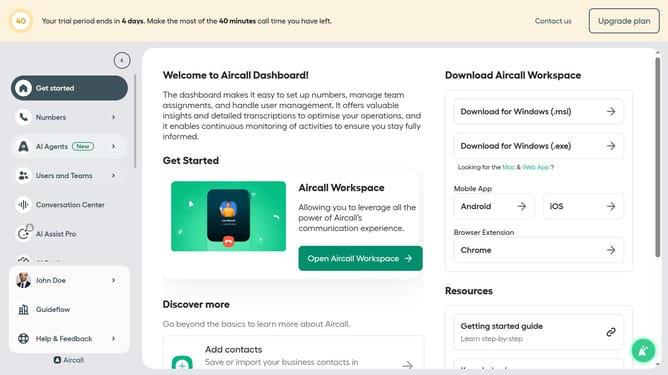
How to disable email notification for webhooks changes in Aircall
Here is how to disable email notification for webhooks changes in aircall
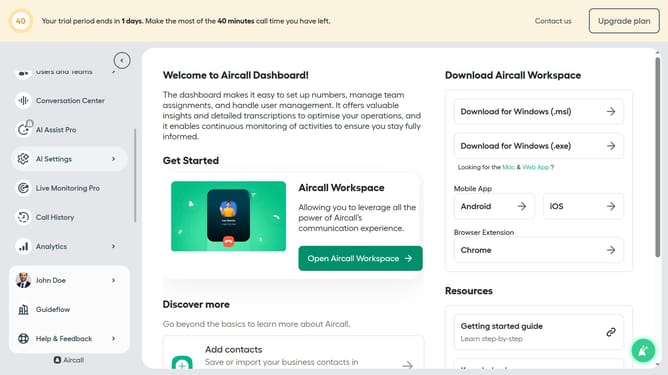
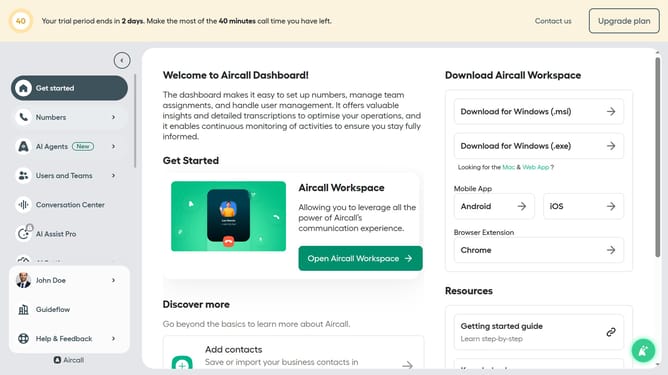
- First click on your user profile in the left sidebar
- Then click on "Edit profile" option.
- Then click on the "Notifications" tab.
- Finally click on the toggle switch to disable "Receive an email when one of your webhooks is disabled/enabled" section
Why should you disable email notification for webhooks changes in Aircall
Aircall is a cloud-based phone system designed to enhance business communication effortlessly.
Disabling email notifications for webhook changes in Aircall can streamline your inbox by reducing unnecessary clutter.
This feature is beneficial for teams seeking to maintain focus without frequent email disruptions.
By managing notifications effectively, users can better prioritize essential communications, leading to improved productivity and workflow efficiency.
Last update