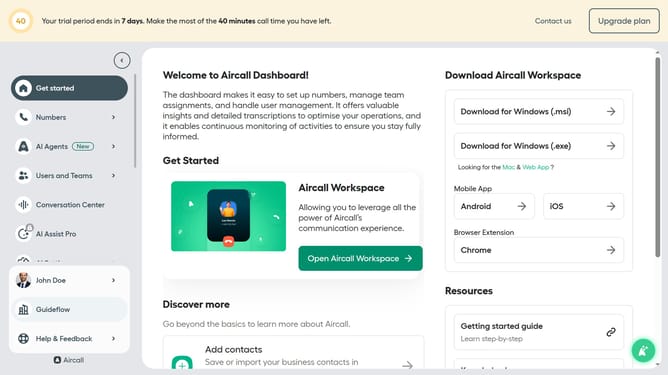
How to add escalation transfer branch in AI voice agent in Aircall
Here is how to add escalation transfer branch in ai voice agent in aircall
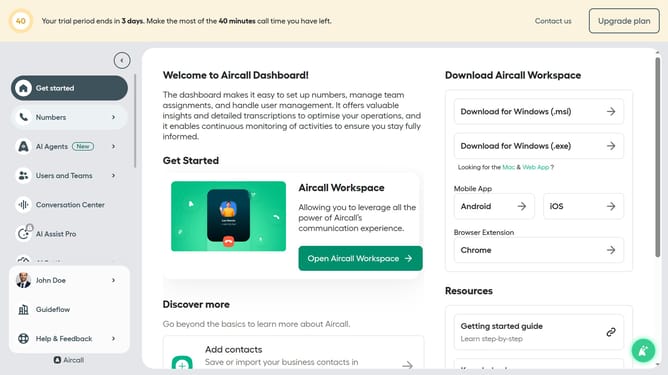
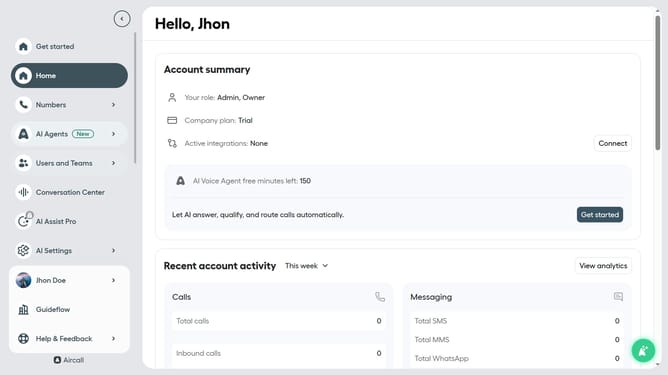
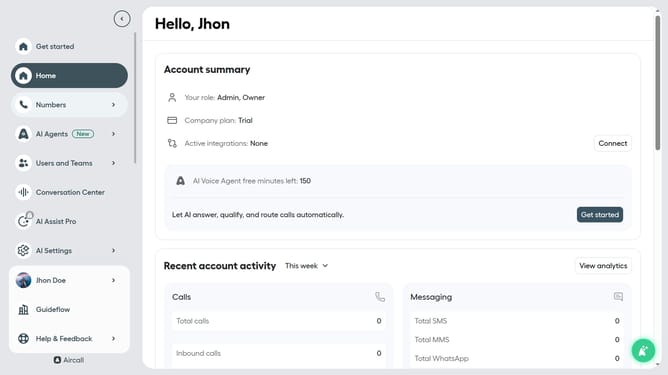
- First click on the "AI Agents" item in the left sidebar
- Then click on the "AI Agents" section to expand it
- Next, click on the "Guideflow AI voice agent" to open its settings
- In the agent settings, click on "Call transfer rules" in the left panel
- Then click on the "+ Add Transfer branch" button
- In the "New transfer branch" pop-up, enter text on the "Branch name" input field
- Then enter the "Trigger condition" in the input field
- Next, add the "Transfer message" in the input field
- Next, click on the "Create branch" button
- Finally click on the "Save" button to save changes
Why should you add escalation transfer branch in AI voice agent in Aircall
Aircall simplifies business communication with its innovative cloud-based phone solutions.
The AI voice agent's escalation transfer branch feature empowers businesses to seamlessly elevate complex customer issues to more skilled agents. This ensures a swift and effective resolution, enhancing customer satisfaction.
Utilizing this feature fosters a dynamic support environment, proving invaluable for maintaining a high service standard. The immediate and streamlined transfer process minimizes wait times and keeps customer interactions smooth and efficient.
Last update