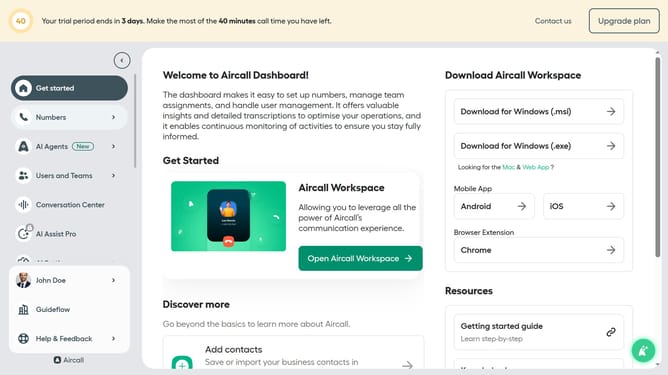
How to delete your profile picture in Aircall
Here is how to delete your profile picture in aircall
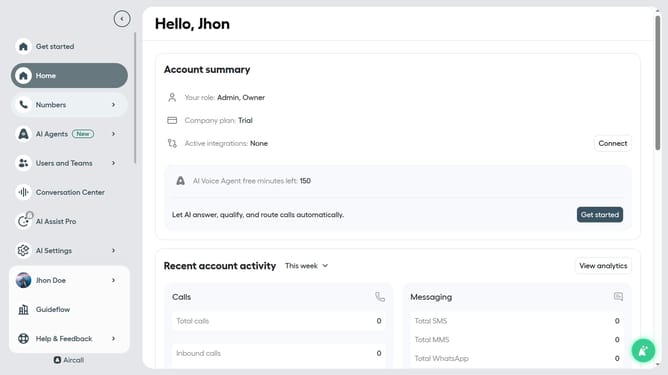
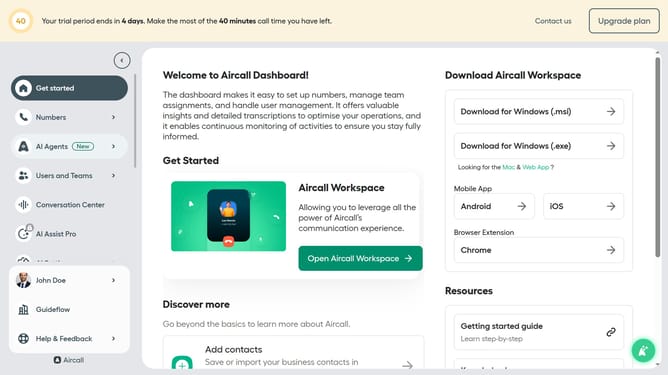
- First click on the user profile in the sidebar
- Then click on the "Edit profile" option from the opened menu
- Finally click on the "Delete picture" button
Why should you delete your profile picture in Aircall
Aircall is a cloud-based phone system designed to streamline call management for businesses of all sizes.
Deleting your profile picture in Aircall is a simple, yet valuable feature for maintaining a professional or updated profile.
Whether you want to refresh your image or ensure alignment with company branding, the ability to remove or update your photo supports a seamless user experience.
Applying such adjustments enhances personal privacy and ensures your profile reflects the most current representation, fostering a polished professional presence.
Last update