How to add intake flow in messaging AI in Aircall
Here is how to add intake flow in messaging ai in aircall
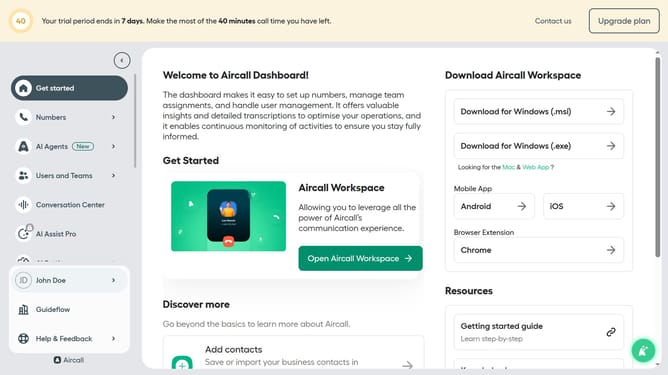
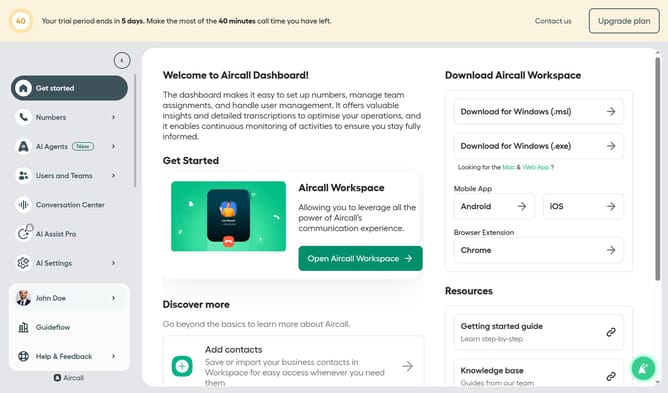
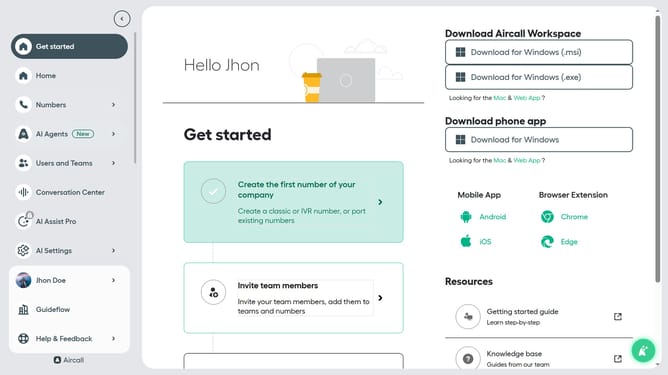
- First click on "AI Agents" link in the left sidebar
- Then click on "AI Messaging Agents" option
- Next click on the messaging entry you want to manage
- Then click on the "Intake flow" item in the left menu
- Then click on the "+ Add intake item" button
- Then click on the "Label" input field and enter text
- Then click on the "Customer" text field in the intake flow section
- Finally click on the "Save" button
Why should you add intake flow in messaging AI in Aircall
Aircall is a cloud-based phone system designed to empower teams by simplifying call management and enhancing customer communication.
Adding intake flow in messaging AI within Aircall seamlessly integrates customer queries and automates their initial processing.
This feature ensures that customer interactions are smoothly managed, increasing efficiency by quickly directing queries to the appropriate channels.
Ultimately, it enriches customer service experience by minimizing wait times and streamlining communication for both agents and clients.
Last update