How to update first name in Aircall
Here is how to update first name in aircall
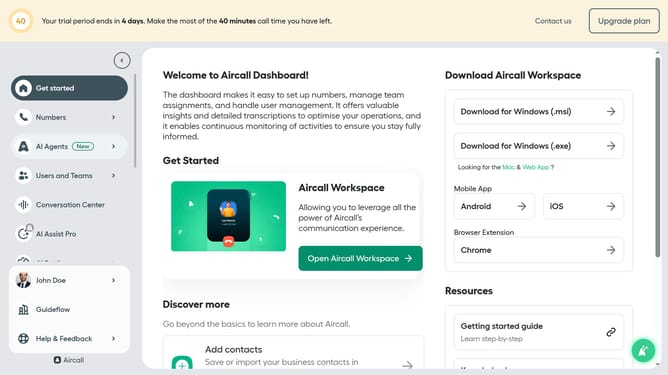
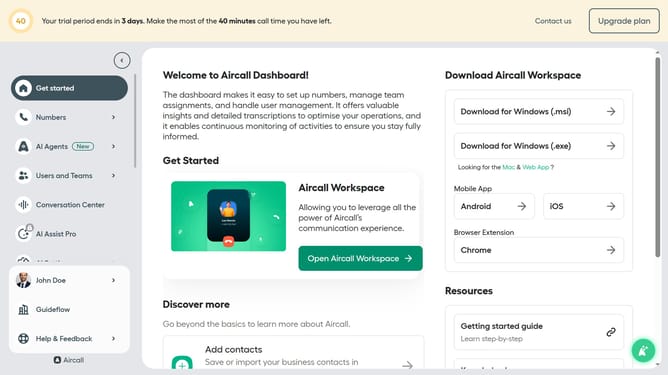
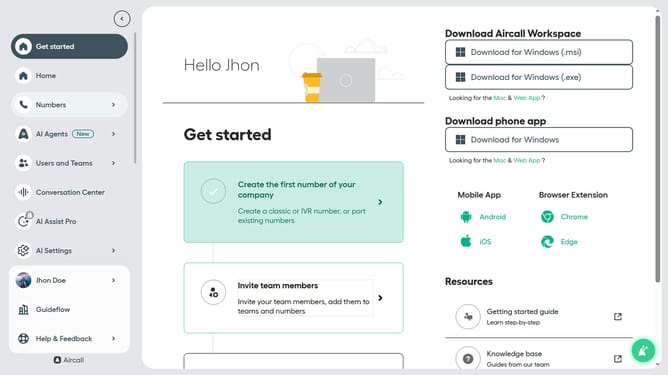
- First click on the user profile in the sidebar
- Then click on the 'Edit profile' option from the dropdown menu
- Navigate to the 'General' tab from the user profile page
- Click on the first name input field and edit it
- Finally, click on the 'Save changes' button
Why should you update first name in Aircall
Aircall is a cloud-based phone system designed to streamline and enhance business communication.
Updating your first name in Aircall contributes to a personalized and professional user experience. This feature ensures that your identity reflects accurately across critical business communications, enhancing both clarity and professionalism.
By maintaining correct personal details, you foster trust and authenticity in interactions. Seamless name updates support efficient collaboration and reinforce brand consistency within the platform’s intuitive interface.
Last update