How to rename audio message element in a call flow in Aircall
Here is how to rename audio message element in a call flow in aircall
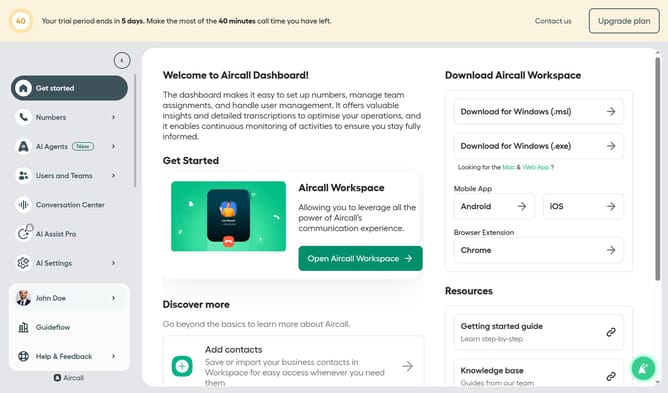
- First click on "Numbers" in the left sidebar
- Then click on "Numbers" again to confirm selection
- Next, click on the "Customer Service" row in the main table
- Then click on the "Edit" button
- After that, click on the "Audio Message" box in the Smartflow Editor
- Then click on the pencil icon next to "Audio Message"
- Next, click on the "Audio Message" input box and edit it
- Finally click on the "Publish" button
Why should you rename audio message element in a call flow in Aircall
Aircall is a cloud-based phone system designed to streamline communication for businesses.
Renaming audio message elements in a call flow on Aircall allows users to customize and optimize their call management system.
By clearly labeling these elements, teams can quickly understand and adjust call flows to better suit evolving needs.
This feature enhances organization, ensuring efficient communication and improved customer interactions without unnecessary downtime.
Last update