How to disable email notification for voicemails in Aircall
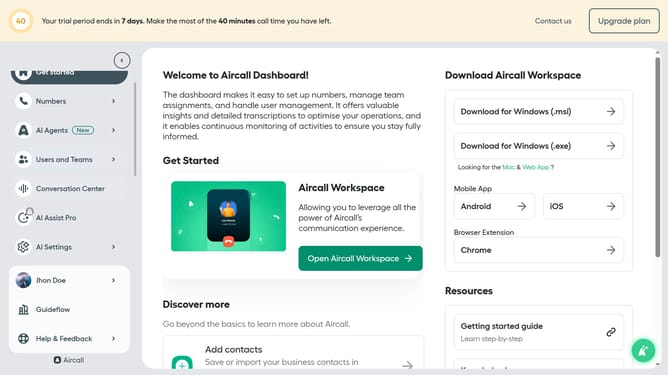
Here is how to disable email notification for voicemails in aircall
- First click on your user profile in the left sidebar
- Then click on "Edit profile" option from the dropdown menu
- Next, click on the "Notifications" tab in the profile settings
- Finally, toggle the switch OFF for "Receive voicemails by email"
Why should you disable email notification for voicemails in Aircall
Aircall simplifies business communication by seamlessly integrating cloud-based phone solutions with various platforms.
Disabling email notifications for voicemails in Aircall fine-tunes your notification settings, enhancing your focus and control over daily communications.
This feature minimizes inbox clutter, allowing team members to prioritize essential tasks and improve productivity.
It empowers users to customize how they receive alerts, crafting a more efficient and personalized communications experience.
Last update