How to record audio message in a call flow in Aircall
Here is how to record audio message in a call flow in aircall
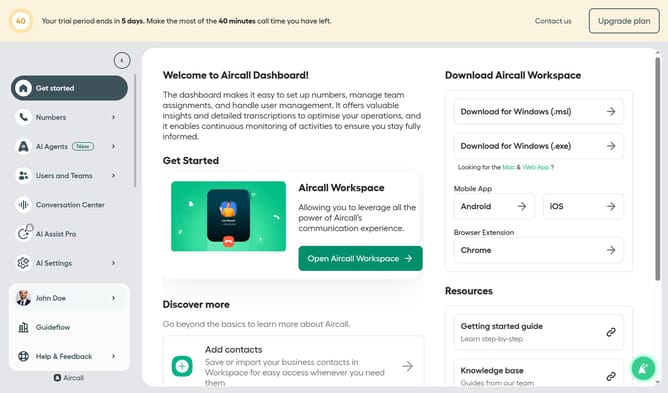
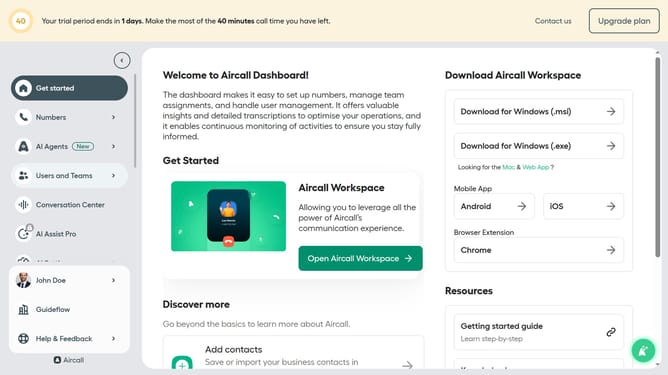
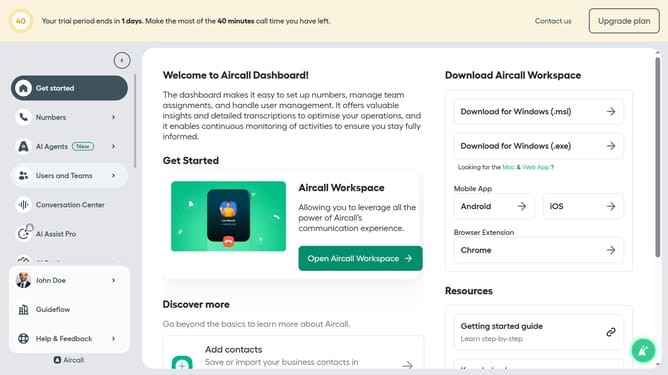
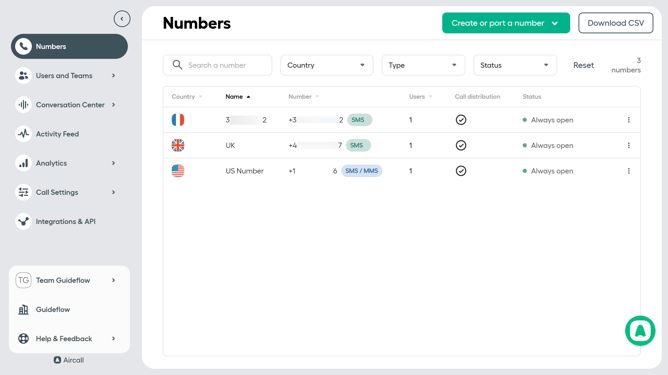
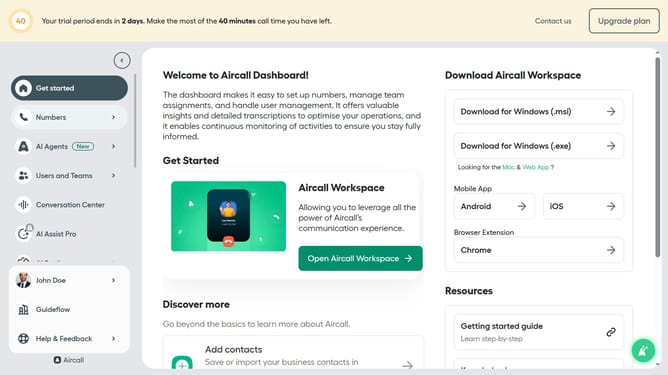
- First click on "Numbers" option in the sidebar
- Then click on the "Search a number" input field
- Next click on the name of the number you want to manage from the table
- Click on the "Edit" button
- Then click on the "Audio Message" step
- Click on the "Start recording" button
- Then click on the "Stop recording" button
- Finally click on the "Publish" button
Why should you record audio message in a call flow in Aircall
Aircall is a cloud-based phone system designed to help businesses streamline their communication processes.
One essential feature Aircall offers is the ability to record audio messages within a call flow, providing a seamless way for businesses to convey important information to callers. This feature is beneficial for maintaining a consistent message and ensuring critical updates can be easily distributed without manual intervention.
By integrating audio recordings into your call flow, callers receive efficient and clear communication, which enhances customer satisfaction and optimizes resource management for your team.
Ultimately, using recorded messages in your call flow empowers businesses to deliver consistent, professional communication with minimal effort.