How to change audio source of waiting music in Aircall
Here is how to change audio source of waiting music in aircall
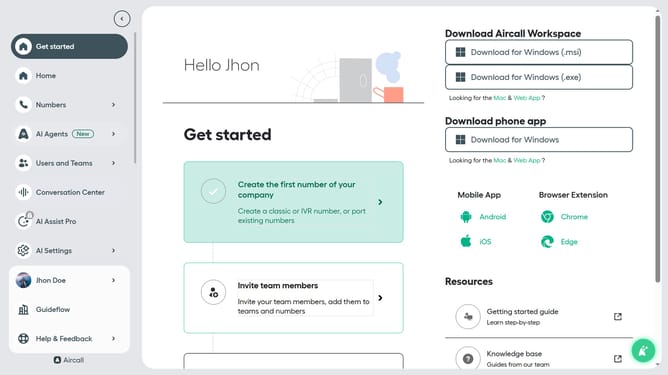
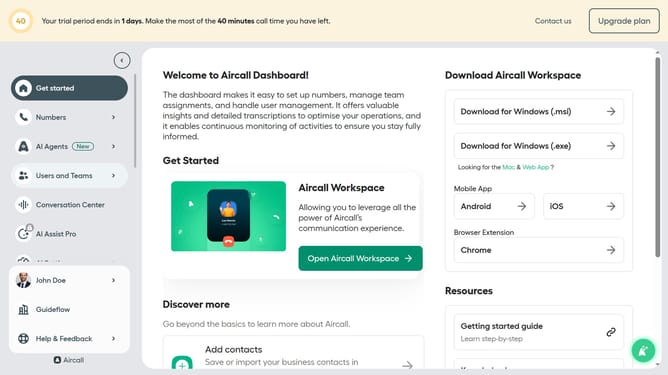
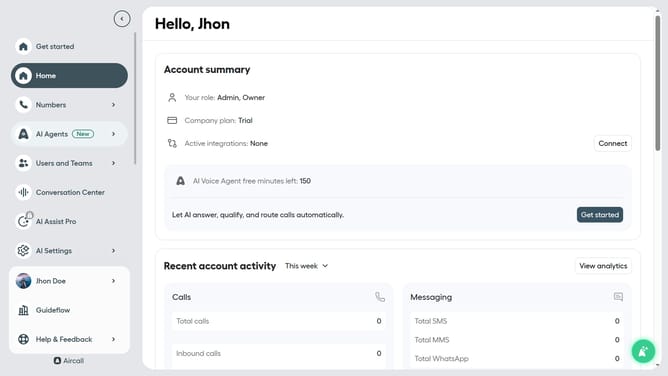
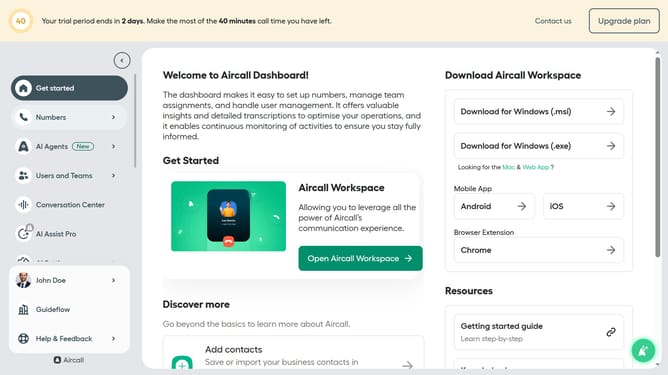
- First click on "Numbers" item in the left sidebar
- Then click on "Numbers" tab
- Then click on the "Customer Service" link
- Then click on the "Edit" button
- Then click on the "Waiting experience" item
- Then click on the "Source" dropdown
- Finally click on the "Custom file" option
Why should you change audio source of waiting music in Aircall
Aircall is a cloud-based call center software designed to streamline communication.
One standout feature of Aircall is the ability to change the audio source of waiting music. This feature enhances customer experience by allowing businesses to personalize the on-hold experience, reflecting their brand's tone and style.
Using a custom audio source for waiting music not only keeps callers engaged but also conveys professionalism and care. This small touch can significantly improve customer satisfaction by making waiting times more pleasant.
Last update