How to set call transcription language in Aircall
Here is how to set call transcription language in aircall
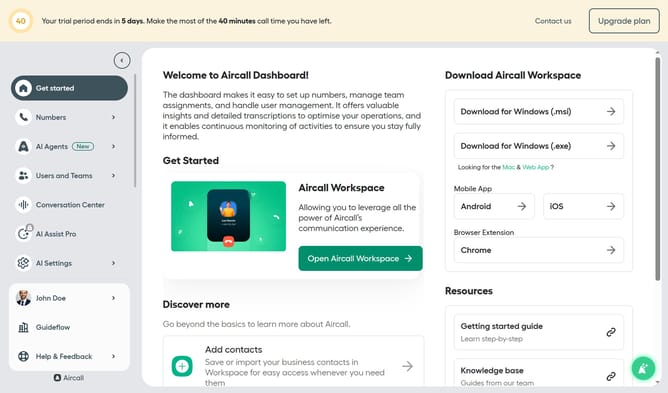
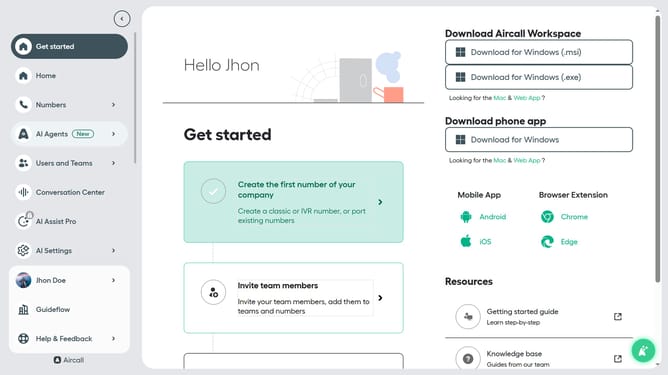
- First, click on the "Numbers" item in the sidebar menu
- Then, click on the "Numbers" tab in the main section
- Next click on the name of the number you want to manage
- After that, click on the "Settings" tab
- Then, click on the "Language" dropdown menu in the "Transcriptions" section
- Finally, select from the language options
Why should you set call transcription language in Aircall
Aircall is your cloud-based call center solution designed to seamlessly integrate with modern workflows.
Setting the call transcription language in Aircall ensures that verbal interactions are accurately converted into text in a language of your choice.
This feature becomes particularly advantageous for international businesses aiming to maintain clarity and specifics during calls across diverse linguistic backgrounds.
By setting the transcription language, companies can enhance their communication strategies, making sure every word counts and is correctly understood.
Last update