How to enable email notification for webhooks changes in Aircall
Here is how to enable email notification for webhooks changes in aircall
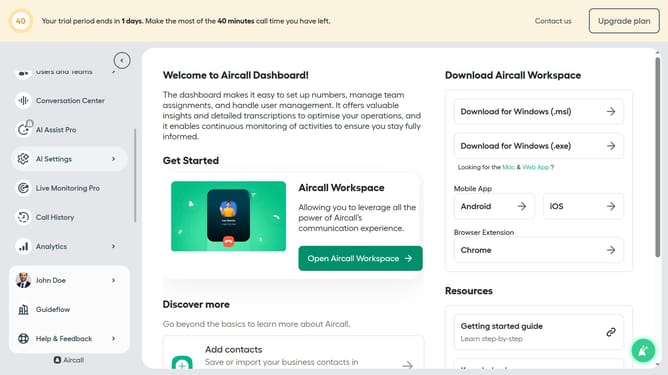
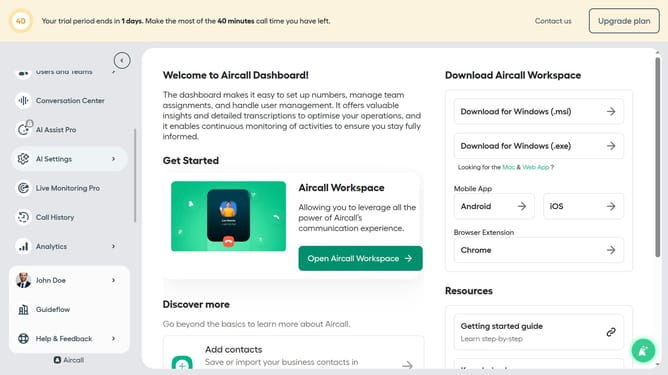
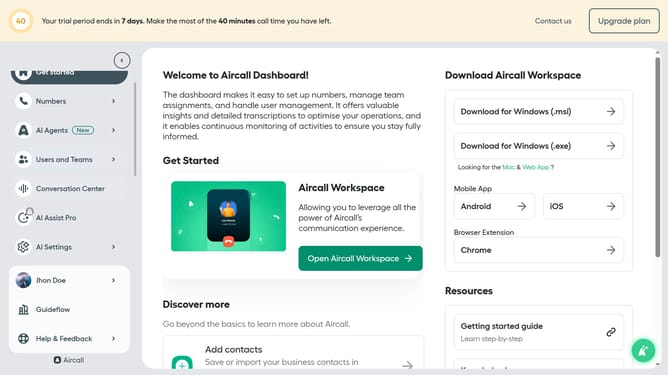
- First click on your user profile in the left sidebar
- Then click on "Edit profile" from the dropdown menu
- Next, click on the "Notifications" tab
- Finally, click on the toggle switch to enable "Receive an email when one of your webhooks is disabled/enabled.
Why should you enable email notification for webhooks changes in Aircall
Aircall is a cloud-based phone system designed to streamline communication and enhance team productivity.
Enabling email notifications for webhook changes in Aircall keeps you informed of any critical updates without manual monitoring. This feature ensures you stay up-to-date with any modifications or issues that may impact your operations.
Understanding when these changes occur can enhance responsiveness and agility, allowing your team to focus on what truly matters: customer satisfaction and business success.
Last update