How to test a retry message in input IVR in Aircall
Here is how to test a retry message in input ivr in aircall
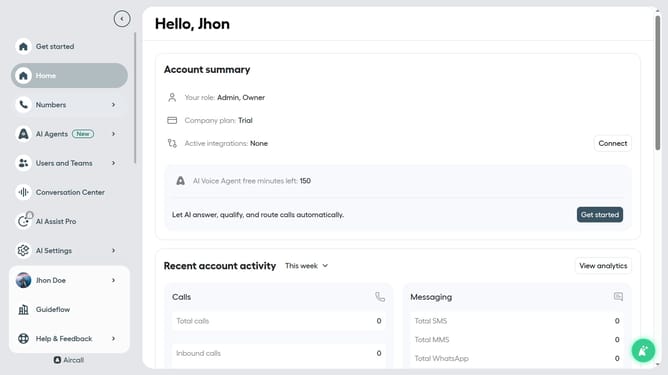
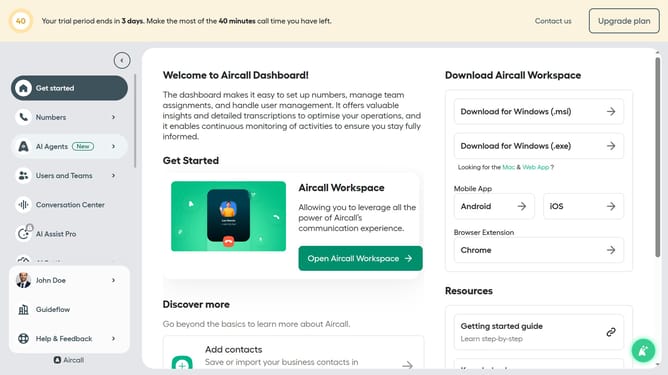
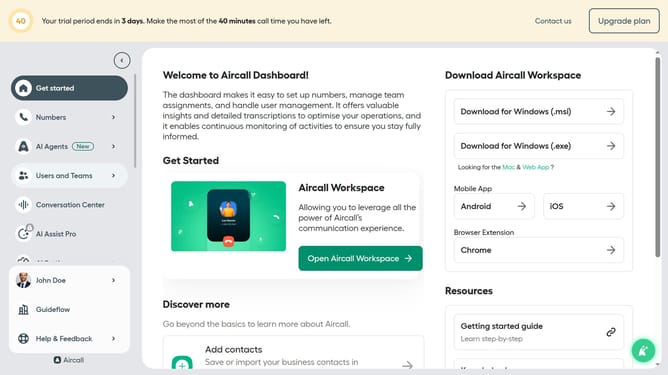
- First click on the "Numbers" item in the left sidebar
- Then click on the "Numbers" tab in the main content area
- Next click on the name of the number you want to manage from the table
- Then click the "Edit" button
- After that, click on the "Input IVR" element in the flow editor
- Next, click on the "Retry management" section to expand it
- Finally, click on the "Test and play" button
Why should you test a retry message in input IVR in Aircall
Aircall is a flexible and efficient cloud-based phone solution designed to enhance communication for support and sales teams.
Testing a retry message in the input IVR within Aircall empowers teams to ensure seamless caller experiences. By assessing how messages are delivered during the retry phase, teams can refine the process so callers receive clear guidance.
Using this feature bolsters efficiency and satisfaction, reducing caller frustration and enhancing team effectiveness. This approach distinctly improves the reliability and professionalism of customer interactions.
Last update