How to add intake flow in messaging AI in Aircall
Here is how to add intake flow in messaging ai in aircall
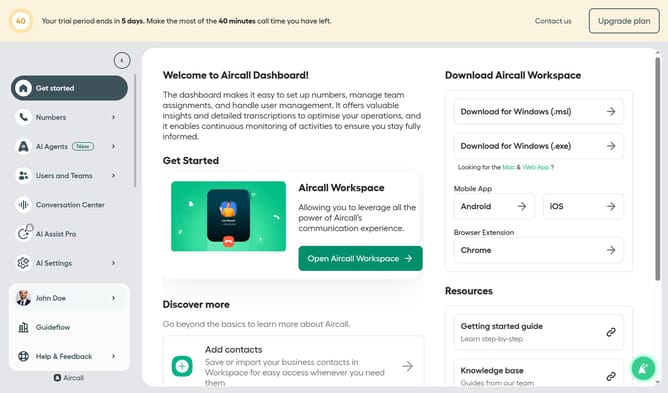
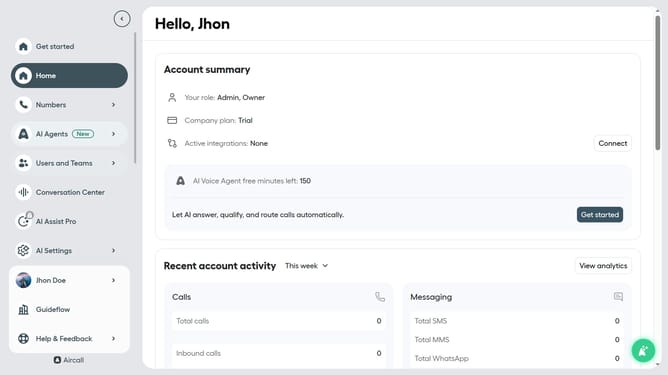
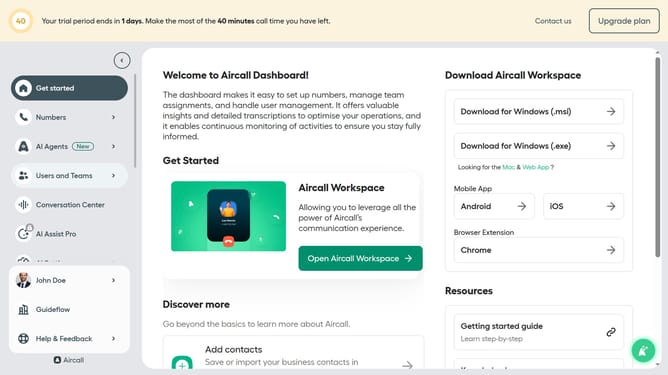
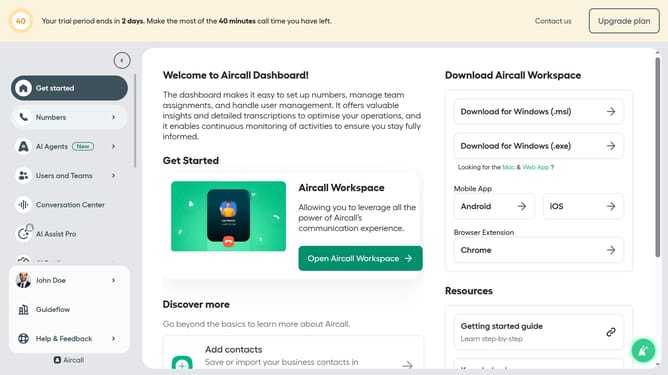
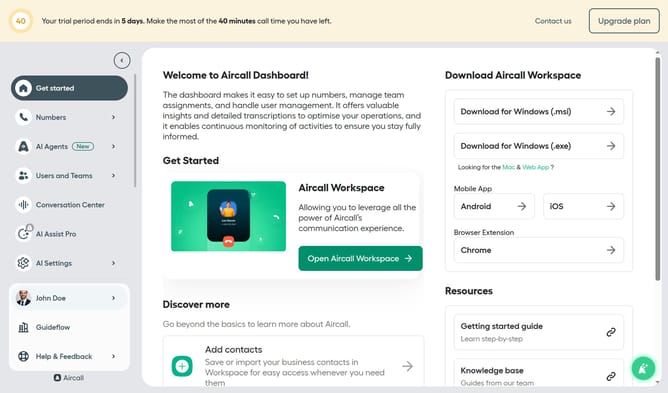
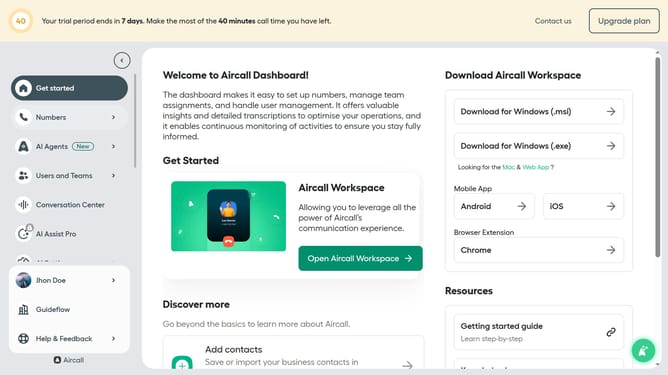
- First click on "AI Agents" item in the left sidebar
- Then click on "AI Messaging Agents"
- Next click on the messaging entry you want to manage
- Then click on "Intake flow"
- Next, click on the "Label" input field and edit it
- Then click on "Description" input field and edit it
- Next, click on the "Full Name" input field
- Then click on the "Full Name" input field
- Finally click on the "Save" button
Why should you add intake flow in messaging AI in Aircall
Aircall is an innovative cloud-based phone system designed to streamline business communication.
Adding an intake flow in messaging AI within Aircall allows businesses to gather relevant customer information swiftly and efficiently.
This feature enhances interaction by automating the initial data collection process, enabling better-informed responses and freeing up human resources for more complex inquiries.
Ultimately, it leads to improved customer satisfaction as communication becomes more personalized and responsive.
Last update