How to set maximum message duration in a voicemail text to speech in Aircall
Here is how to set maximum message duration in a voicemail text to speech in aircall
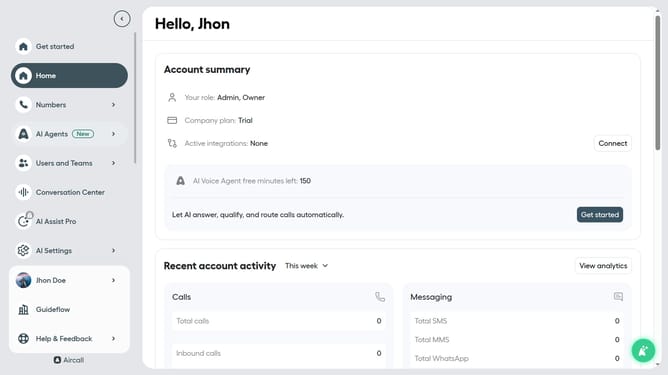
- First click on "Numbers" item in the left sidebar navigation
- Then click on "Numbers" tab in the header section
- Next click on the name of the number you want to manage from the table
- Then click on the "Edit" button
- Next, click on the "Voicemail" element on the smartflow editor
- Then click on the "1 min" dropdown under "Maximum message duration"
- Next, select from the duration options
- Finally click on the "Publish" button in the top right corner
Why should you set maximum message duration in a voicemail text to speech in Aircall
Aircall is an intuitive cloud-based phone system designed to streamline business communications.
The feature of setting a maximum message duration in voicemail text-to-speech within Aircall ensures that messages are concise and clear. This control allows you to optimize storage and prevent lengthy, potentially unfocused recordings.
Using this feature enhances your team’s efficiency by spending less time sifting through long messages. It ensures that important information is delivered promptly, fostering better communication and productivity.
Last update