How to disable email notification calls assigned to you in Aircall
Here is how to disable email notification calls assigned to you in aircall
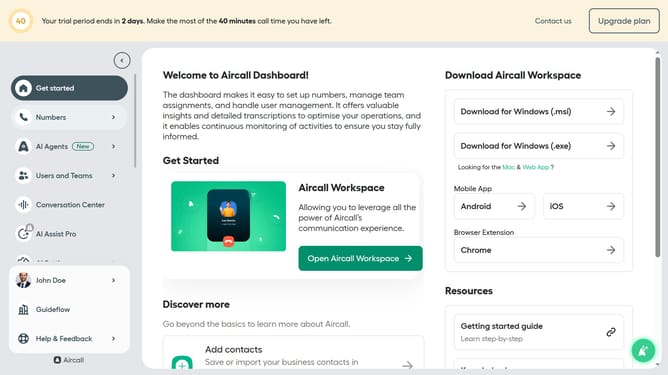
- First click on your user profile in the left sidebar
- Then click on "Edit profile" link
- Then click on "Notifications" button
- Finally click on the toggle OFF to disable "Calls assigned to you" option
Why should you disable email notification calls assigned to you in Aircall
Aircall is a cloud-based phone system designed to enhance business communication effortlessly.
Disabling email notifications for calls assigned to you in Aircall can streamline your workflow by minimizing distractions.
This feature is especially beneficial for those who prefer focusing on tasks without constant email interruptions.
Enjoy a more organized inbox by eliminating unwanted notification clutter, allowing you to prioritize what truly matters.
Last update