How to change the retry message type in input IVR in Aircall
Here is how to change the retry message type in input ivr in aircall
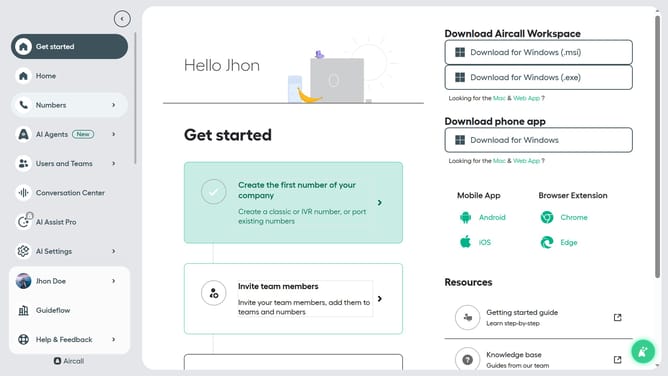
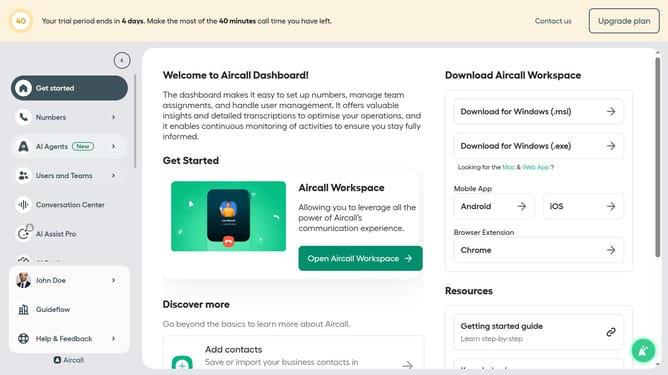
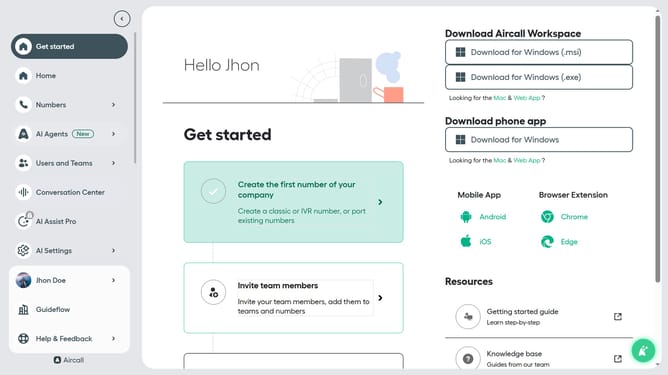
- First click on "Home" button in the left sidebar
- Then click on "Numbers" option in the left sidebar
- Next click on the name of the number you want to manage from the table
- Then click on the "Edit" button
- After that, click on the "Input IVR" block
- Then click on the "Retry management" section
- Next, click on the dropdown menu for "Type of message" in the "Retry message" section
- Then click on "Record audio" option
- After that, click on "Start recording" button
- Then click on "Stop recording" button
- Finally click on the "Publish" button
Why should you change the retry message type in input IVR in Aircall
Aircall is a seamless cloud-based call center software designed for modern businesses to streamline communication effortlessly.
One invaluable feature of Aircall is the ability to change the retry message type in the input IVR, enhancing your customer interaction experience. This feature allows you to customize the message callers hear when they need to try inputting information again.
By tailoring these messages, businesses can ensure a smoother call flow, reducing caller frustration and improving overall satisfaction. Using this feature demonstrates attentiveness to caller needs, ensuring they receive clear guidance, and can be instrumental in maintaining a professional image while optimizing call efficiency.
Last update