How to set farewell message in AI voice agent in Aircall
Here is how to set farewell message in ai voice agent in aircall
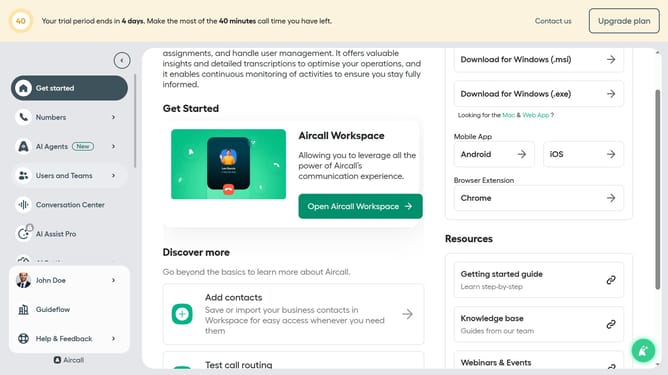
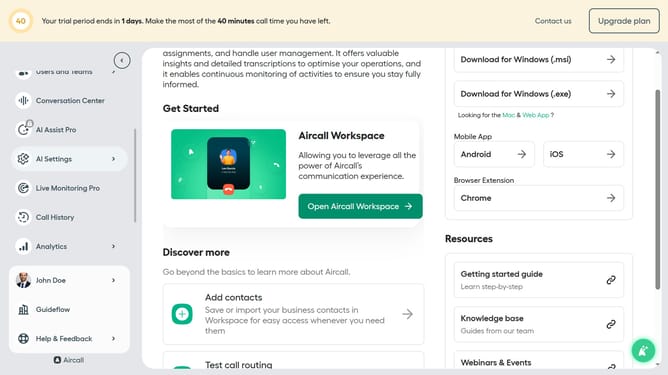
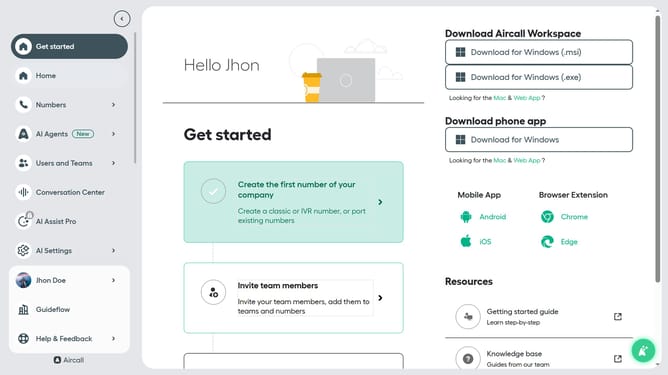
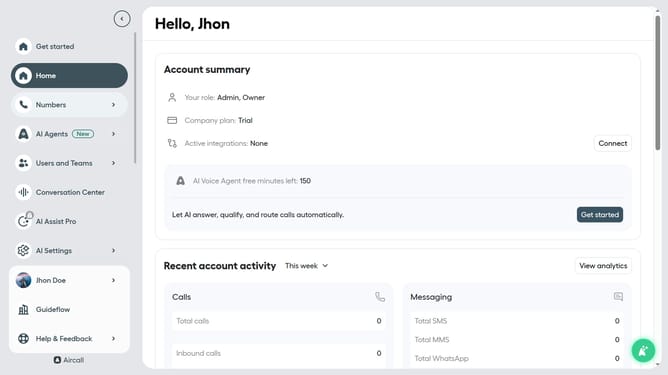
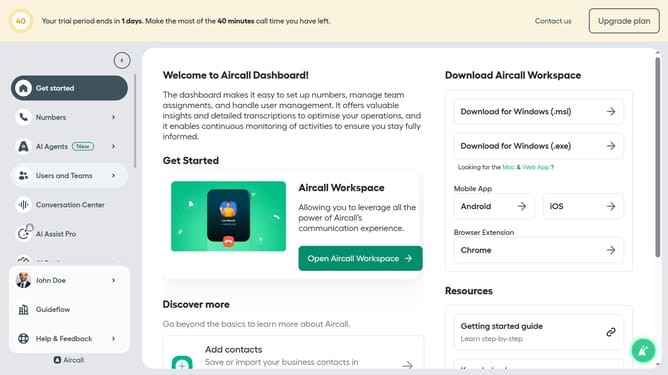
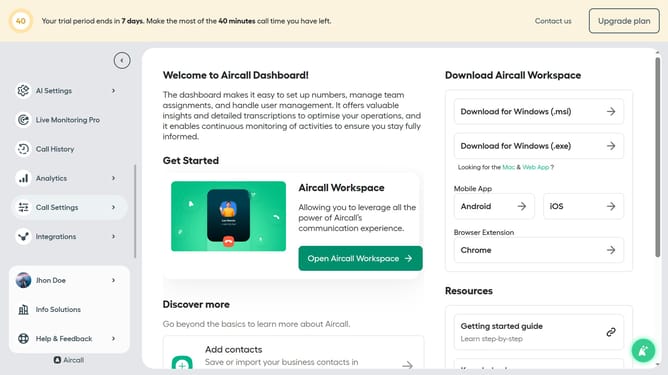
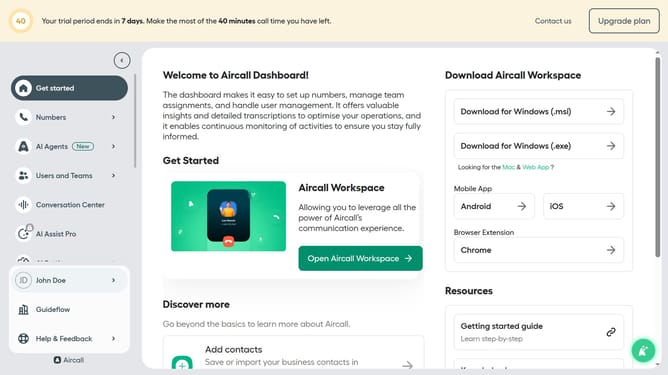
- First click on the "AI Agents" item in the left sidebar.
- Then click on the "AI Voice Agents" item displayed in the sidebar
- Next click on the voice entry you want to manage
- Then click on the "Call script" option in the left panel
- Next, click on the "Farewell message" and edit it
- Finally click on the "Save" button
Why should you set farewell message in AI voice agent in Aircall
Aircall is a versatile cloud-based phone system designed to streamline your communication processes.
Setting a farewell message in your AI voice agent on Aircall is a smart feature that enhances customer experience by leaving callers with a positive final impression.
This feature allows businesses to maintain a consistent and warm brand image, ensuring that every call ends on a polite and professional note. With an AI voice agent managing farewells, your team can focus on more meaningful interactions while the system handles routine end-of-call messages efficiently.
Last update