How to rename standard IVR element in a call flow in Aircall
Here is how to rename standard ivr element in a call flow in aircall
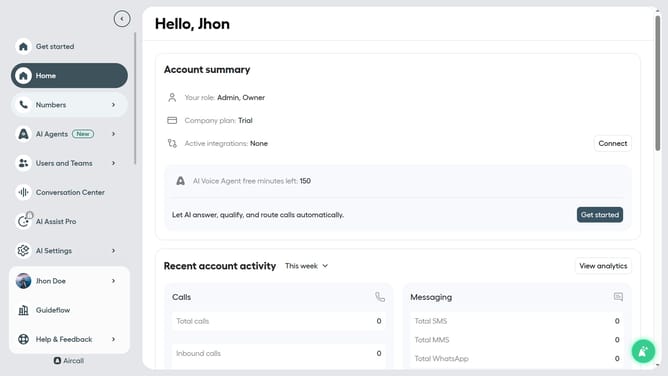
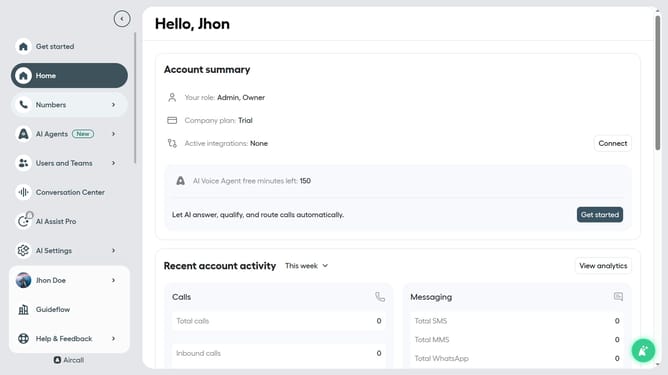
- First, in the left sidebar menu, click on the "Numbers" option
- Then, click on the "Numbers" tab in the main content area
- Next, click on the "Customer Service" row to select it
- After that, click the "Edit" button on the top right side
- Then, click on the "Standard IVR" block
- Next, click the pencil icon next to "Standard IVR" to edit its settings
- Then, click on the text input area to edit it
- Finally, click the "Publish" button to confirm
Why should you rename standard IVR element in a call flow in Aircall
Aircall is a versatile cloud-based phone system designed to streamline communication for modern businesses.
Renaming a standard IVR (Interactive Voice Response) element in Aircall’s call flow feature enhances user experience by personalizing interactions.
This customization enables businesses to tailor greetings and options to align with their branding, ensuring customers feel valued and understood.
The benefit lies in creating a seamless, professional communication channel that can adapt to evolving business needs.
Last update