How to set activity report frequency in Aircall
Here is how to set activity report frequency in aircall
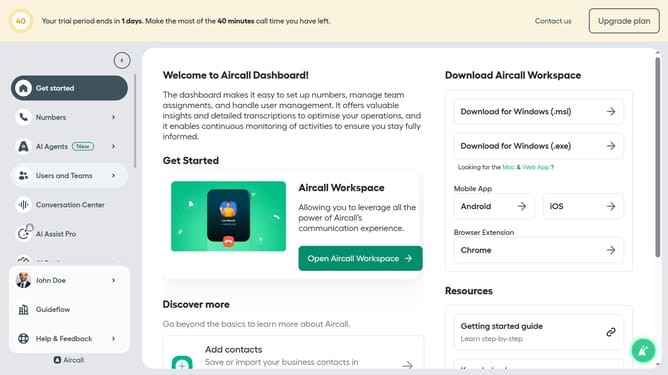
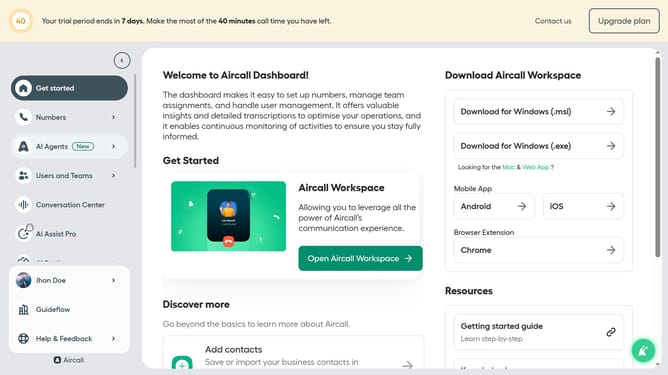
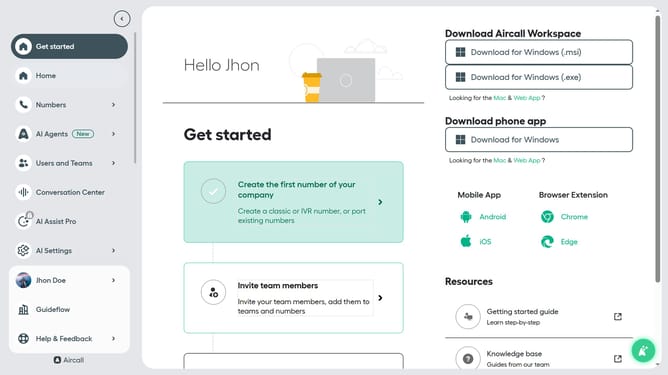
- First click on your user profile in the left sidebar
- Then click on "Edit profile"
- Next click on the "Notifications" tab
- Then click on the dropdown for "Frequency"
- Finally select "Every week" from the list
Why should you set activity report frequency in Aircall
Aircall is a cloud-based phone system designed to streamline business communications.
Setting the activity report frequency in Aircall allows you to customize the regularity of reports, ensuring that you stay informed about team performance and call metrics.
By utilizing this feature, you can optimize workflow efficiency and make data-driven decisions tailored to your business needs.
Consistently timed reports help in monitoring progress and identifying improvement areas without overwhelming data influx.
Last update