How to enable callbacks in Aircall
Here is how to enable callbacks in aircall
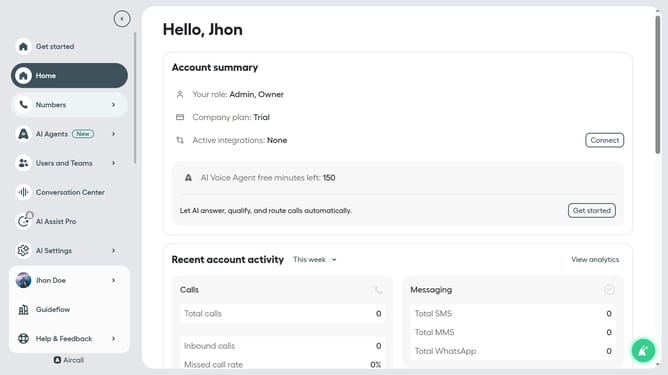
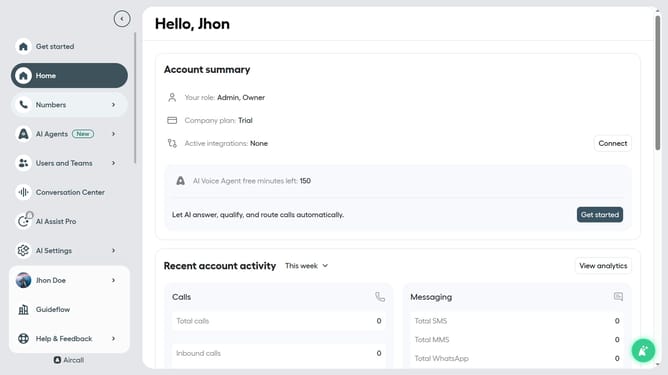
- First click on "Numbers" in the sidebar menu
- Then click on the "Numbers" tab in the main content area
- Next click on the name of the number you want to manage
- Then click on the "Settings" button
- Finally, click on the "Allow callback requests" toggle ON switch
Why should you enable callbacks in Aircall
Aircall is a powerful, cloud-based phone system designed for modern businesses seeking seamless communication solutions.
Enabling callbacks in Aircall enhances customer satisfaction by allowing missed calls to be returned automatically, ensuring no customer is left unattended.
This feature is particularly beneficial for businesses with high call volumes, as it minimizes wait times and optimizes resource allocation.
Utilizing the callback feature not only improves customer experience but also streamlines operations, promoting efficiency and productivity within teams.
Last update