How to enable email notification for daily summary of calls to follow up in Aircall
Here is how to enable email notification for daily summary of calls to follow up in aircall
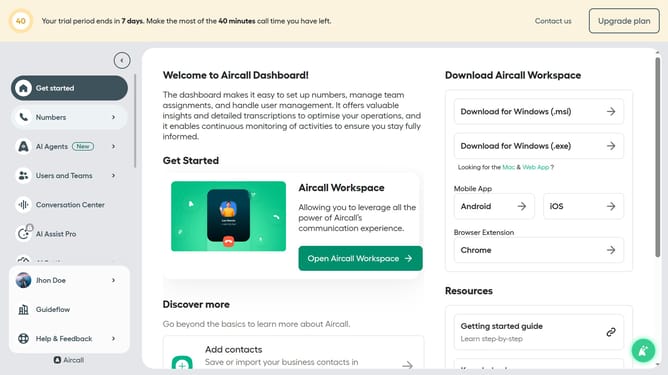
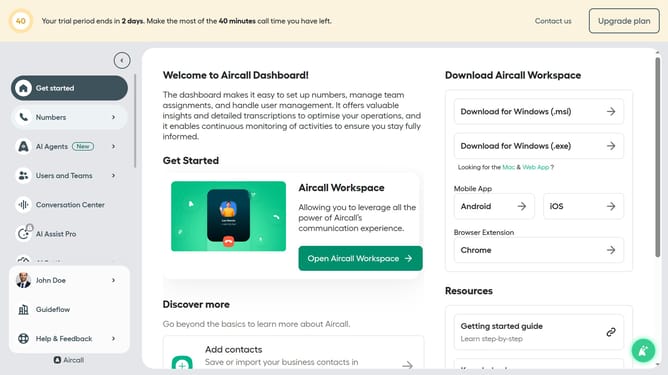
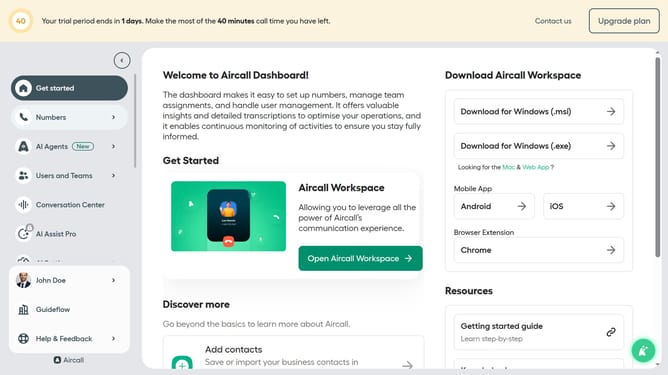
- First click on user item in the sidebar
- Then click on "Edit profile" option
- Then click on "Notifications" tab
- Finally click on the toggle to enable daily summary of calls
Why should you enable email notification for daily summary of calls to follow up in Aircall
Aircall is a user-friendly cloud-based phone system designed to enhance business communication efficiency.
One of Aircall's valuable features is the ability to enable email notifications for daily summaries of calls that need follow-ups. This streamlines the process by ensuring important follow-ups are never missed, keeping productivity on track.
Using this feature can significantly enhance organization and time management. It provides a clear oversight of crucial client interactions, enabling businesses to maintain excellent customer relationships.
Last update