How to add an audio message in a callflow in Aircall
Here is how to add an audio message in a callflow in aircall
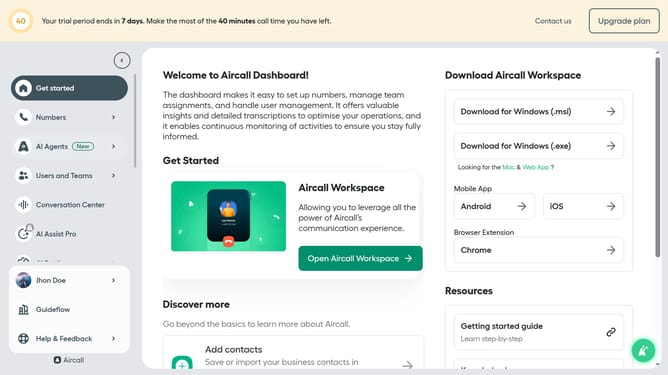
- First click on "Numbers" item in the sidebar
- Then click on the "Numbers" link in the dropdown menu
- Next click on the name of the number you want to manage from the table
- Then click on the "Edit" button
- Click on the plus icon to add a new element
- Select "Audio Message" from the dropdown menu
- Click on the "Type of message" dropdown
- Next, select "Record audio"
- Finally click on the "Publish" button
Why should you add an audio message in a callflow in Aircall
Aircall is a cloud-based phone system designed to streamline communication for businesses of all sizes.
Incorporating an audio message into a callflow in Aircall significantly enhances customer interaction by ensuring key information is effectively communicated before connecting the call. This feature is essential for businesses seeking to provide clarity and professionalism with every customer touchpoint.
By utilizing audio messages in callflows, companies can efficiently manage caller expectations, reduce wait times, and ultimately deliver a more satisfactory customer experience.
Last update