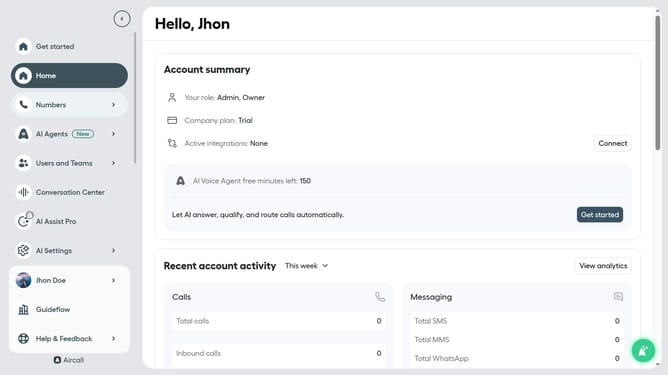
How to enable automated callbacks in Aircall
Here is how to enable automated callbacks in aircall
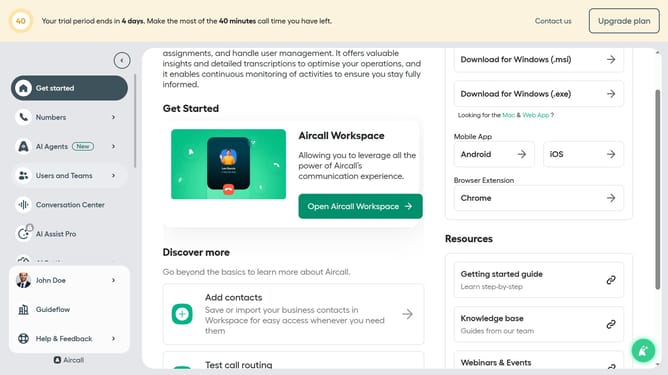
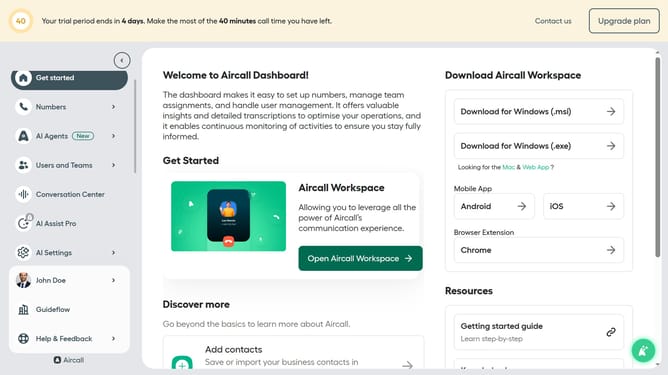
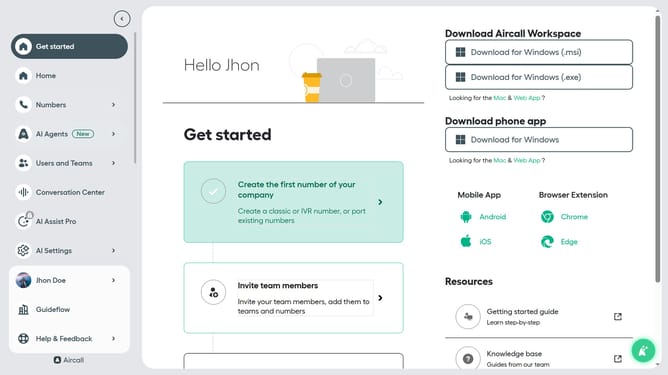
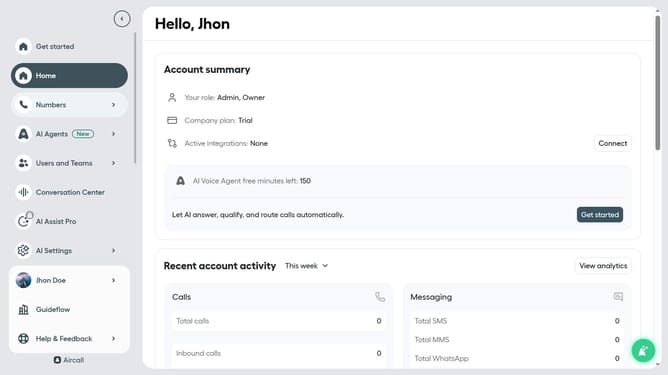
- First, navigate to the side menu and click on "Numbers" option
- Then, click on the "Numbers" tab
- Next click on the name of the number you want to manage
- Then, click on the "Settings" tab
- Finally, click on the toggle ON for "Automated callback"
Why should you enable automated callbacks in Aircall
Aircall is a robust cloud-based phone system designed to streamline communication for teams.
Enabling automated callbacks within Aircall is a transformative feature that enhances customer satisfaction and optimizes team efficiency.
Using this feature, missed calls automatically prompt a return call at the earliest convenience, ensuring no customer query goes unanswered.
Automated callbacks help reduce waiting times, increase agent productivity, and create a seamless customer support experience.
Last update