How to set escalation message in messaging AI in Aircall
Here is how to set escalation message in messaging ai in aircall
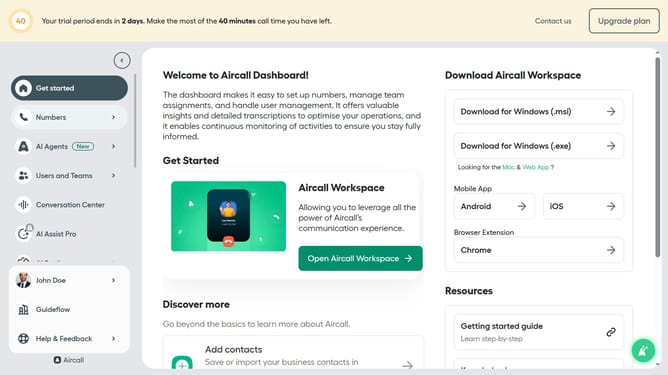
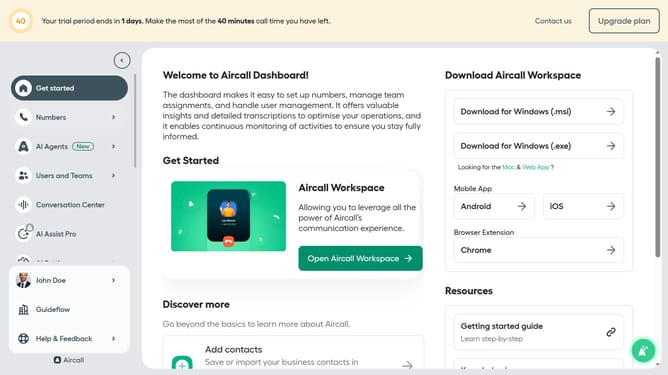
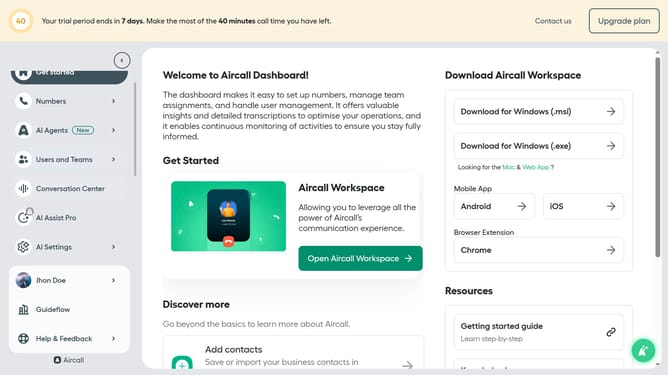
- First, click on "AI Agents" in the left sidebar
- Then, click on "AI Messaging Agents" to proceed
- Next click on the messaging entry you want to manage
- After that, click on "Messaging script" in the left panel
- Then, scroll down to the "Escalation message" and edit it
- Finally, click on the "Save" button in the top right corner
Why should you set escalation message in messaging AI in Aircall
Aircall is a cloud-based phone system designed to enhance communication for businesses.
The escalation message feature in Aircall's messaging AI is a treasure trove for seamless customer support.
By configuring escalation messages, teams can ensure that critical issues don't slip through the cracks, escalating to the right teams promptly.
This feature enhances response efficiency and ensures customer satisfaction by delivering timely solutions, fostering a proactive approach to client communication.
Last update