How to add first message in an outbound AI voice agent in Aircall
Here is how to add first message in an outbound ai voice agent in aircall
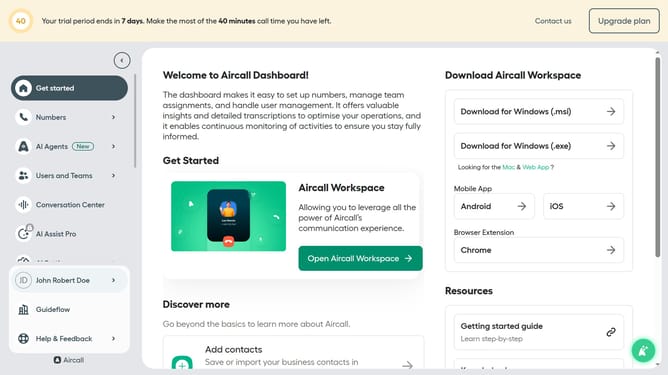
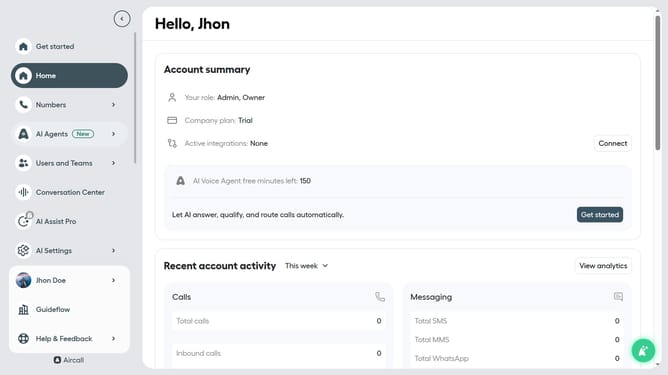
- First click on "AI Agents" in the sidebar
- Then click on "AI Agents" in the left menu
- Next click on the outbound AI voice agent in the list of agents
- Then click on "Call script" in the left section
- After that, click on the "First message" input field and edit it
- Finally click on the "Save" button to confirm the changes
Why should you add first message in an outbound AI voice agent in Aircall
Aircall is the ultimate cloud-based phone solution designed to optimize business communication.
Adding a first message to an outbound AI voice agent in Aircall enhances customer engagement. This personalized touch welcomes recipients and provides a seamless introduction to the call's purpose.
Employing this feature reassures clients, increases response rates, and establishes professionalism right from the start. It’s an effective way to streamline communication and make your outreach efforts more impactful.
Last update