How to set simultaneous ring rule for a ring to element in Aircall
Here is how to set simultaneous ring rule for a ring to element in aircall
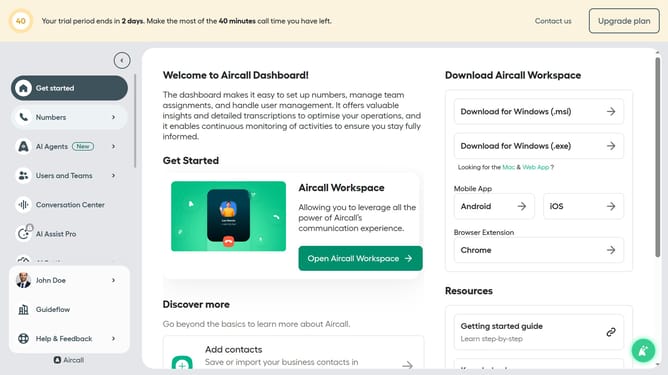
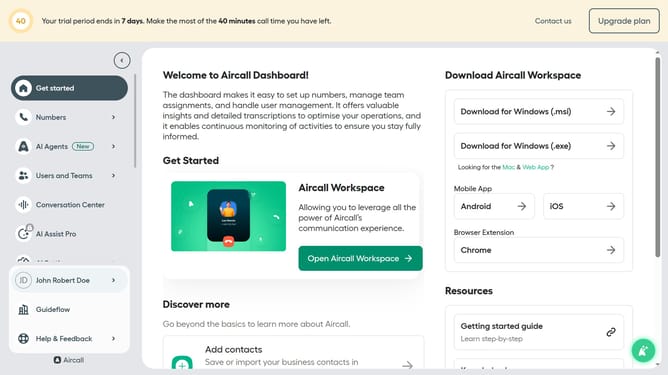
- First click on "Numbers" item in the sidebar menu
- Then click on "Numbers" tab in the main content area
- Next click on the name of the number you want to manage from the table
- Then click on the edit icon
- Then click on the ring to block in the smartflow editor
- Then click on the "Ringing rule" dropdown
- Then click on the "Publish" button in the header
- Finally click on the "Publish" button to confirm
Why should you set simultaneous ring rule for a ring to element in Aircall
Aircall is a cloud-based phone system designed to streamline business communication.
The simultaneous ring rule in Aircall is a powerful feature that lets incoming calls ring on multiple devices or endpoints at the same time.
This ensures that calls are never missed, enhancing response time and boosting customer satisfaction.
Utilizing this feature allows teams to remain agile and responsive, distributing calls efficiently across team members and ensuring no query goes unanswered, improving overall business efficiency.
Last update