How to add a time rule in call flow in Aircall
Here is how to add a time rule in call flow in aircall
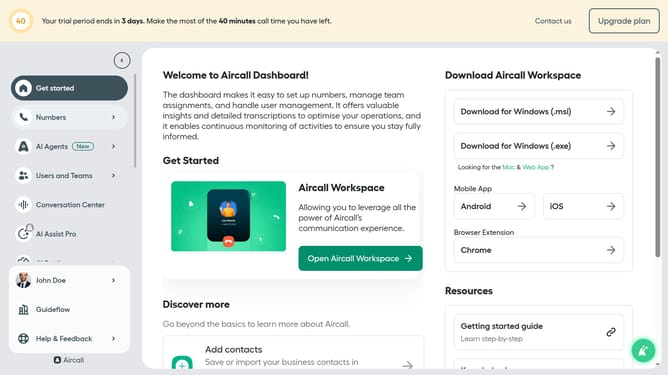
- First click on the "Numbers" item in the left sidebar
- Then click on the "Numbers" tab
- Next click on the name of the number you want to manage from the table
- Then click on the "Edit" button
- Then click on the plus icon to add a new flow
- Then select "Time rule" from the dropdown menu
- Finally click on the "Publish" button
Why should you add a time rule in call flow in Aircall
Aircall is a cloud-based phone system that seamlessly integrates with your business operations to enhance communication efficiency.
Incorporating a time rule in your call flow with Aircall allows you to manage calls based on specific timeframes, ensuring optimized availability and responsiveness.
Using time rules prevents calls outside of working hours from disrupting your team, automatically redirecting or scheduling callbacks as needed.
This feature not only enhances productivity but also elevates customer satisfaction by ensuring every call is handled appropriately according to your schedule.
Last update