How to set closing message type for a number in Aircall
Here is how to set closing message type for a number in aircall
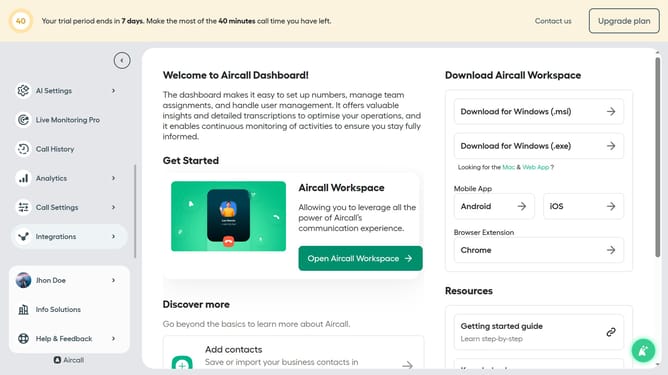
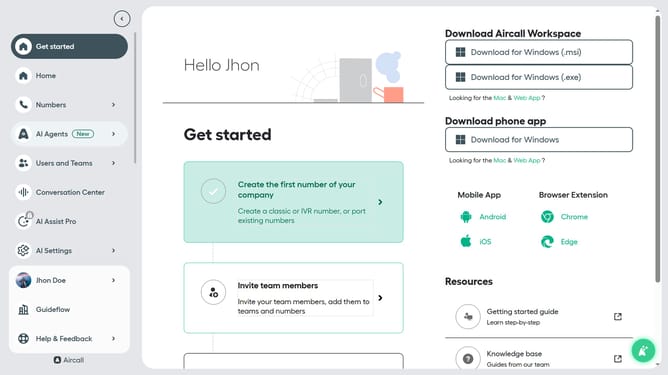
- First click on "Numbers" in the sidebar
- Then click on "Numbers" again to confirm selection
- Next click on the name of the number you want to manage
- Then click on the "Settings" tab
- After that, click on the dropdown to change the type of message
- Finally, select "Text to speech" from the dropdown menu
Why should you set closing message type for a number in Aircall
Aircall is a versatile cloud-based phone system designed to enhance business communication efficiency.
The feature to set a closing message type for a number in Aircall allows for personalized and consistent customer engagement even after business hours. By customizing closing messages, businesses ensure customers feel valued and informed, reinforcing professional relationships.
This feature is beneficial as it manages customer expectations by providing clear communication about availability. Consistent closing messages can contribute to improving customer satisfaction and trust in a brand by conveying professionalism and attentiveness.
Last update