How to add source in knowledge library in Aircall
Here is how to add source in knowledge library in aircall
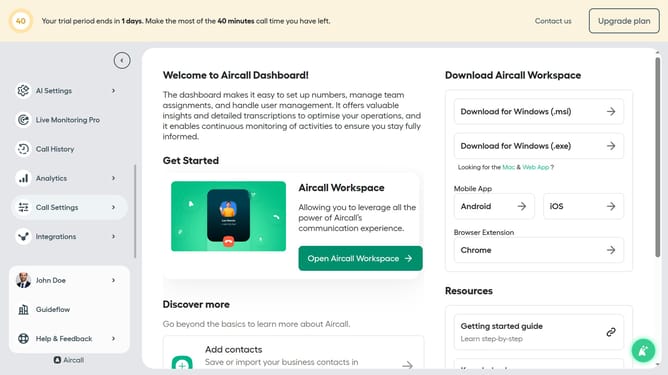
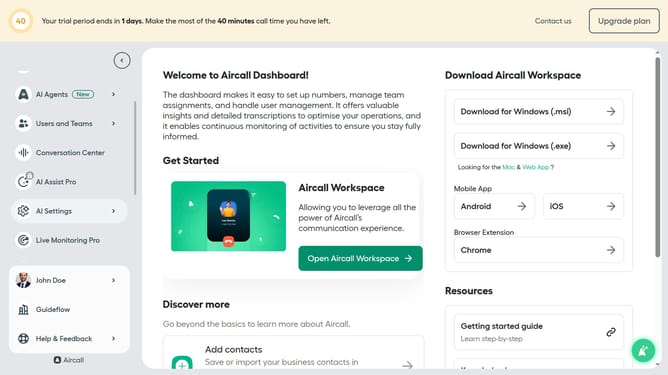
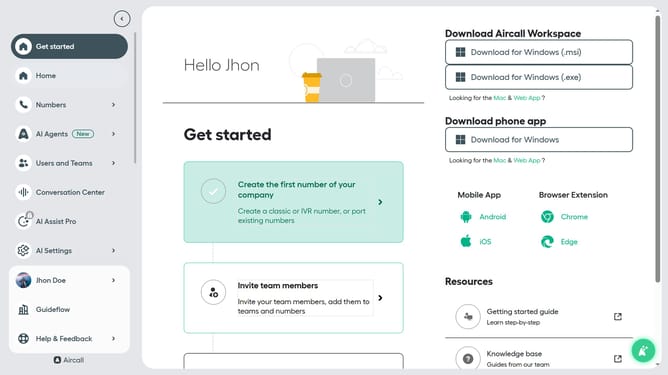
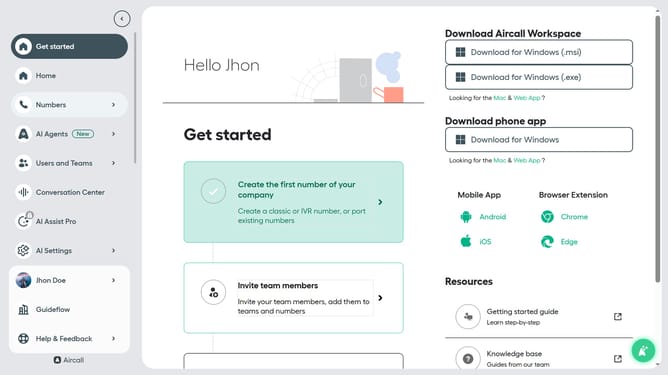
- First click on "AI Settings" in the left sidebar
- Then select "Knowledge library" from the dropdown
- Next, click on the "Add new source" button in the header
- In the dropdown menu, select "Block of content"
- Then, enter a name for the content block in the "Name" input field
- After that, fill in the content for the knowledge source
- Click on the "Assign knowledge source" button
- Then select an agent from the list of AI agents
- Finally, click on the "Add knowledge source" button
Why should you add source in knowledge library in Aircall
Aircall, a cloud-based phone system, streamlines communication for businesses.
Among its many efficient features is the ability to add sources to the knowledge library.
This feature enhances team productivity by organizing critical information in one accessible location, fostering quick data retrieval.
Utilizing this keeps your team informed and ensures consistent, high-quality interactions with clients and stakeholders.
Last update