How to set time rule's effective days in a call flow in Aircall
Here is how to set time rule's effective days in a call flow in aircall
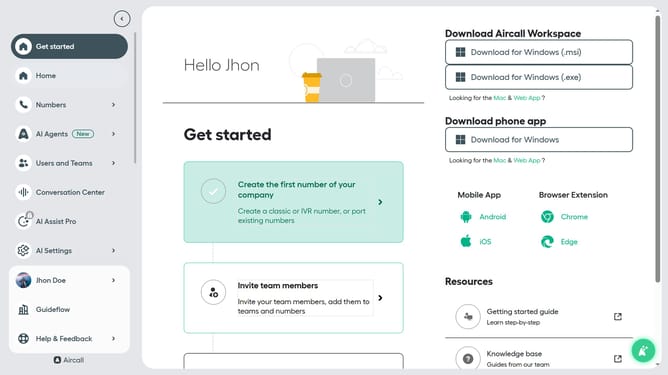
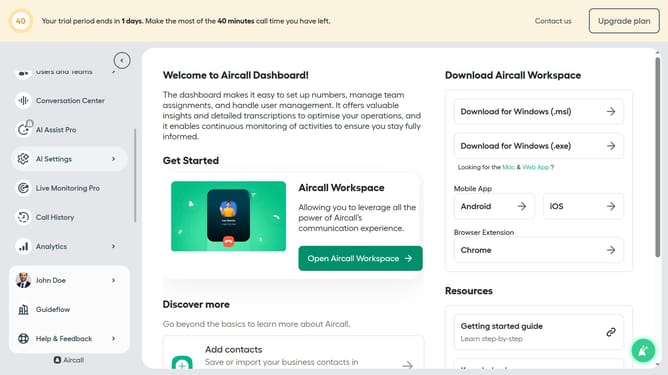
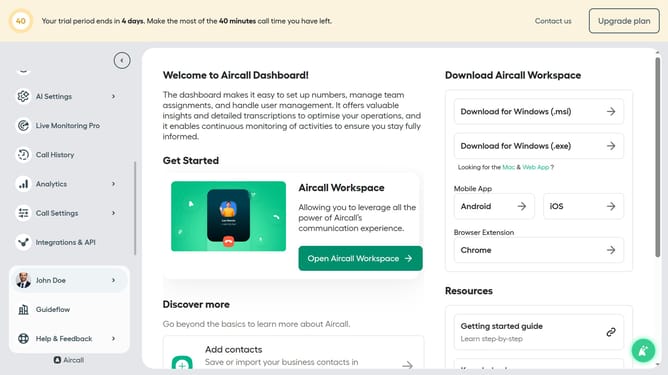
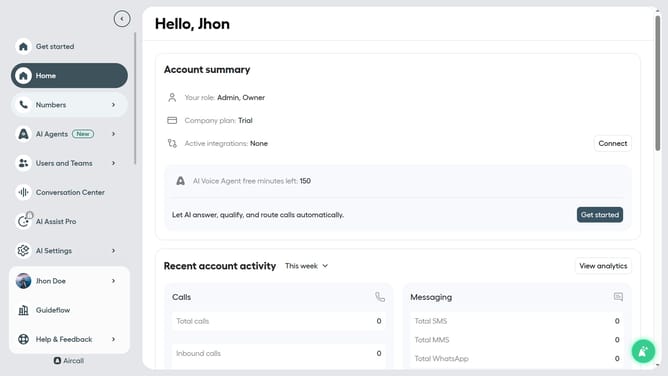
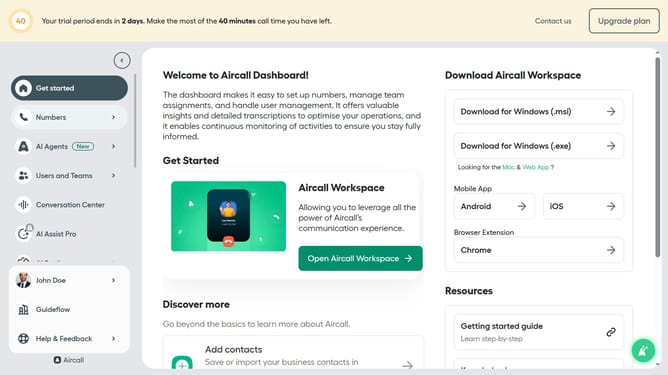
- First click on "Numbers" item in the left sidebar
- Then click on the "Numbers" option in the main menu
- Next, click on the "Edit" button next to "Customer Service"
- Click on the "Office Hours" option
- Then click on the time rule element
- Then click on the days you want the time rule to be effective
- Finally click on the "Publish" button to confirm
Why should you set time rule's effective days in a call flow in Aircall
Aircall is an advanced cloud-based phone system engineered for modern business communication.
The ability to set time rule's effective days in a call flow within Aircall is a powerful feature that enhances flexibility and efficiency. By customizing when certain call flow rules apply, businesses can ensure that calls are managed appropriately based on their unique operational hours and days.
This feature is particularly beneficial for businesses operating in multiple time zones or with varying working schedules. It ensures seamless communication and excellent customer service by directing calls at the right times, preventing business interruptions.
Last update