How to disable local preference in Aircall
Here is how to disable local preference in aircall
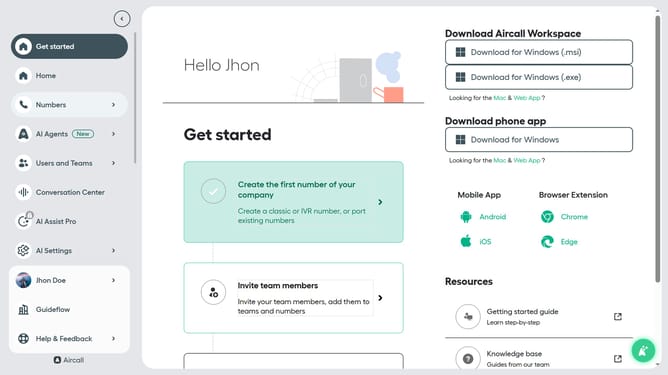
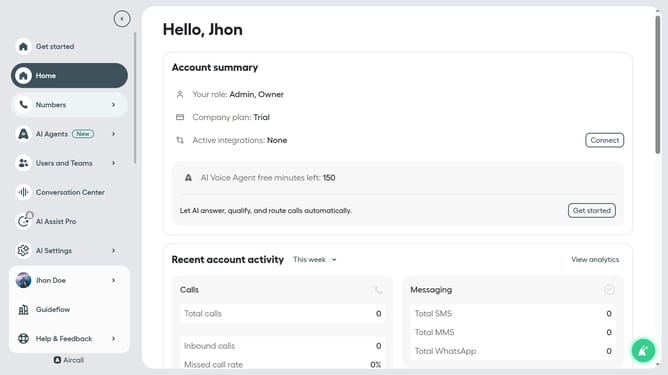
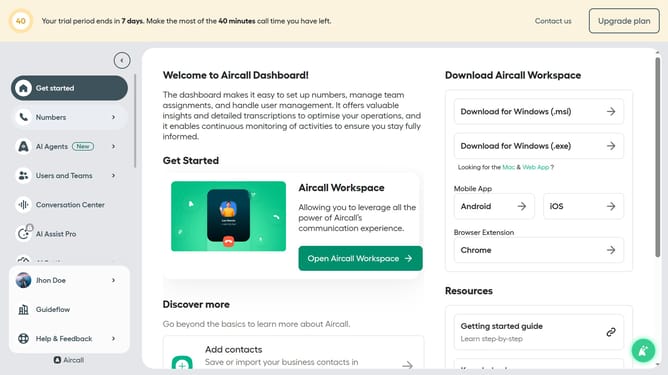
- First click on your user profile in the left sidebar
- Then click on "Edit profile" option
- Then click on "Call preferences" tab
- Then click on the toggle switch OFF for "Enable Local presence for this user"
- Finally click on the "Save changes" button
Why should you disable local preference in Aircall
Aircall is a powerful cloud-based phone system designed to streamline communication for businesses of all sizes.
Disabling local preference in Aircall can broaden your reach by allowing calls to originate from a central number rather than being tied to a local area, which is beneficial for companies aiming for a consistent brand presence or those that primarily operate online.
This feature provides flexibility to businesses, ensuring that call experiences remain the same no matter where your customer is calling from. In doing so, it enhances both global connectivity and seamless customer interaction.
Last update