How to test and play standard IVR in a call flow in Aircall
Here is how to test and play standard ivr in a call flow in aircall
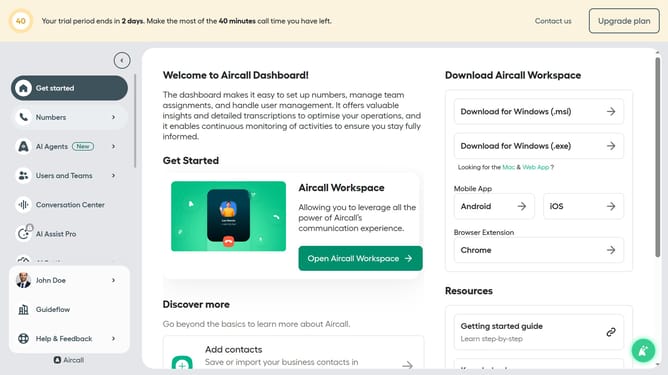
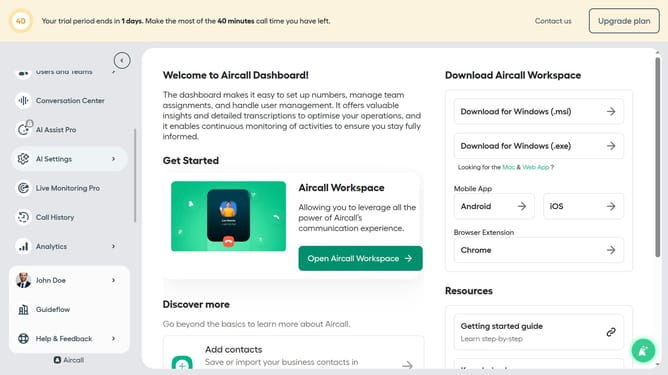
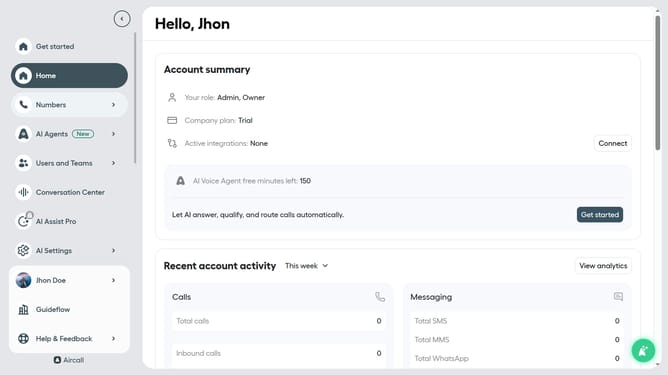
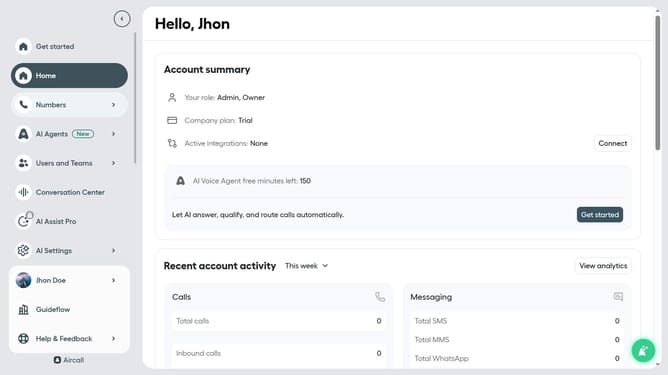
- First click on "Numbers" in the left sidebar
- Then click on the "Numbers" tab above the search bar
- Next click on the name of the number you want to manage from the table
- Then click on the "Edit" button
- Click on the IVR box
- Finally click on the "Test and play" button
Why should you test and play standard IVR in a call flow in Aircall
Aircall revolutionizes communication with its advanced cloud-based phone system designed for teams.
Testing and playing standard IVR in a call flow with Aircall ensures that your customers experience seamless navigation when calling your business. This feature allows businesses to optimize call handling and efficiently manage caller inquiries.
The benefits of utilizing standard IVR include improved customer satisfaction, as callers are directed to the right department swiftly, reducing wait times and enhancing overall interaction quality.
Integrating IVR effortlessly into your call flow not only streamlines operations but supports businesses in maintaining professionalism and efficiency.
Last update