How to delete a source in knowledge library in Aircall
Here is how to delete a source in knowledge library in aircall
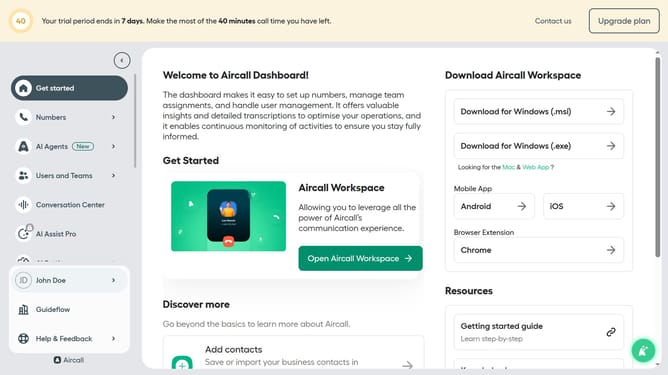
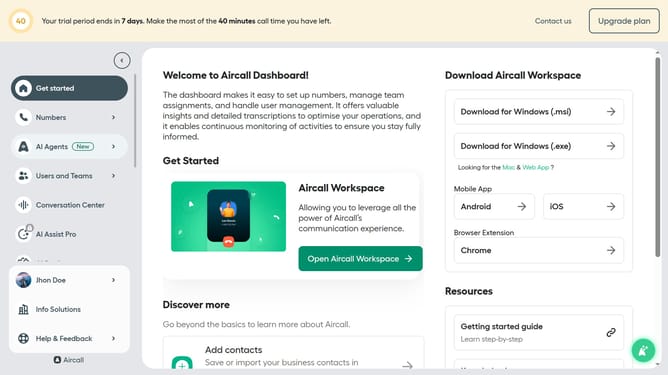
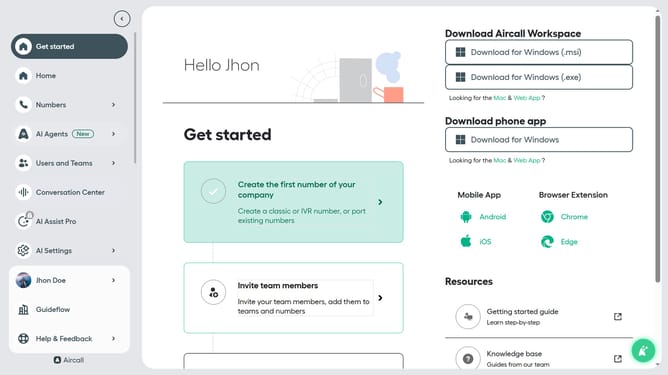
- First click on "AI Settings" in the settings panel
- Then select "Knowledge library" from the dropdown menu
- Next, click on the three dots icon next to the entry you want to delete
- After that, select the "Delete" option from the context menu
- Finally, confirm the deletion by clicking the "Delete" button
Why should you delete a source in knowledge library in Aircall
Aircall is a cloud-based phone system designed to simplify communication and enhance team collaboration.
Deleting a source in the knowledge library within Aircall empowers users to maintain and streamline their database efficiently.
By removing outdated or irrelevant information, teams can ensure that all available resources are up-to-date and easily accessible.
This feature not only maximizes operational efficiency but also enhances user productivity by minimizing confusion.
Last update